Sign in to StoryTribe
Go to storytribe.com, enter your email and Continue. If the address has an account you're asked for its password; if not, you create one. Continue with Google skips passwords altogether.
Last updated Aug 29, 2026
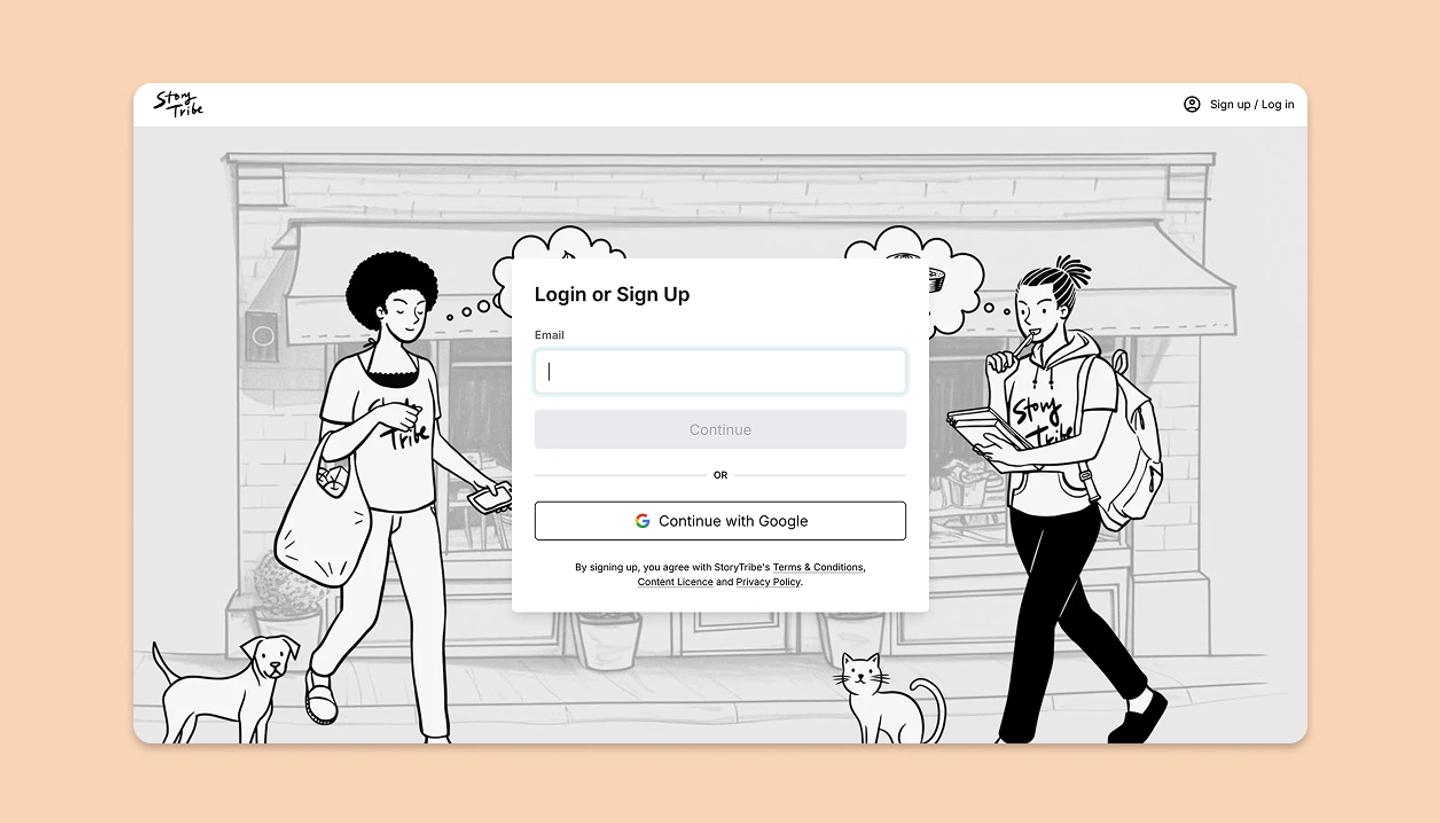
- Open storytribe.com and click Log in. The page is headed
Login or Sign Up; the same form does both. - Enter your email and click
Continue. An existing account gets a password field; a new address gets a short sign-up (name and a password). - Or click
Continue with Google. You're sent to Google and straight back in; no StoryTribe password is set.
Email and Google accounts
An account is identified by its email address. If you signed up with Google and later type that address into the email form, you'll be asked for a password you never set; use Continue with Google instead, or set a password from Settings › Account once you're in. Signing in with Google using the same address as an existing email account opens that account.
Staying signed in
You stay signed in on that browser until you log out (Settings › Account › Log out) or clear its site data. Private and incognito windows forget you when they close.
Common questions
Need more help?
Send us a message. We reply within 3 days, usually sooner.