Pre-production tool for filmmakers and agency teams.
One click from script to scenes, shots and storyboards. Feedback and sign-off built in.
Join 500K+ creators from 130+ countries
Features
What can StoryTribe do?
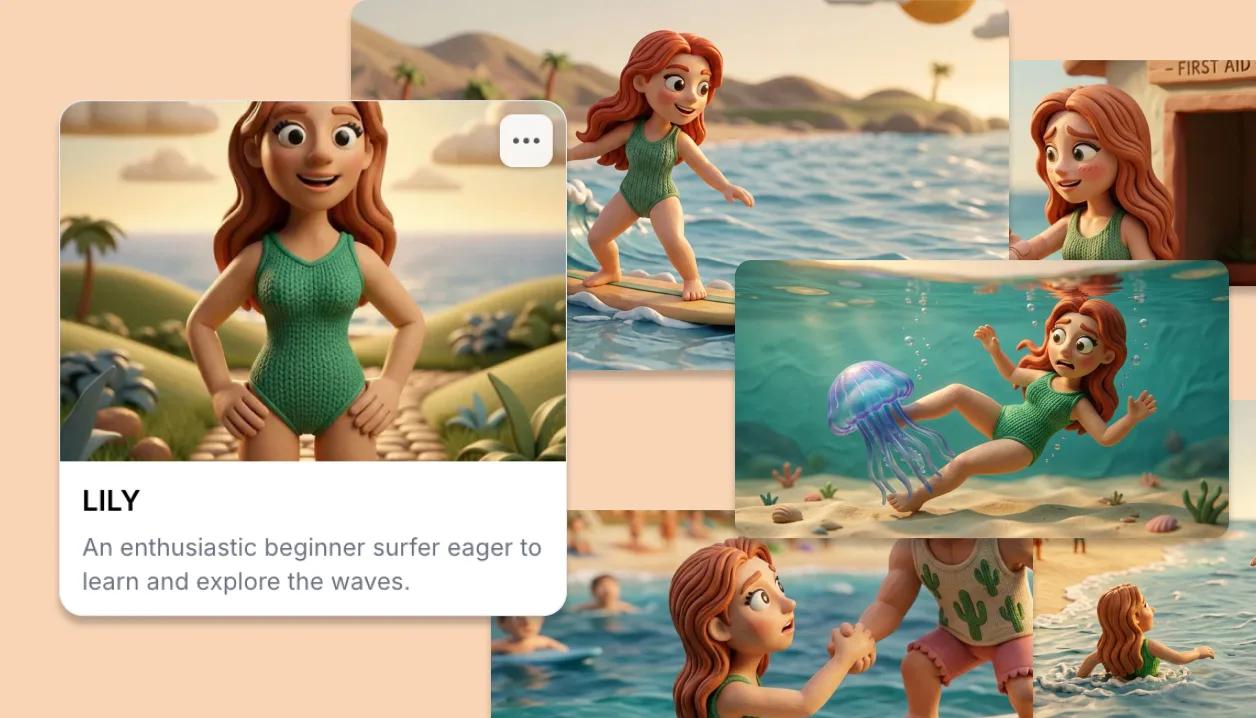
From script to first draft in one click
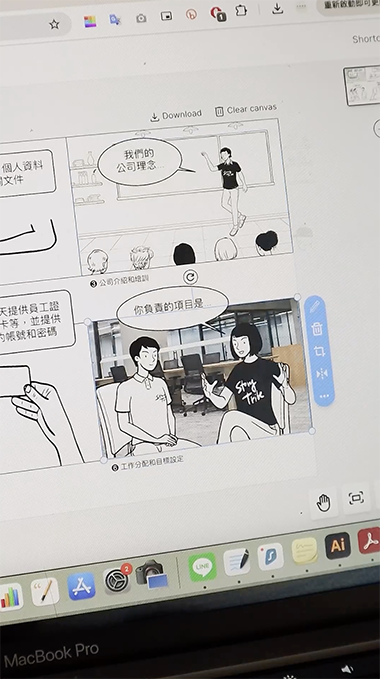
Paste or write your script and StoryTribe drafts the storyboard for you. Pick a style so every shot matches, then fine-tune any image layer by layer: characters, backgrounds and props stay fully editable.
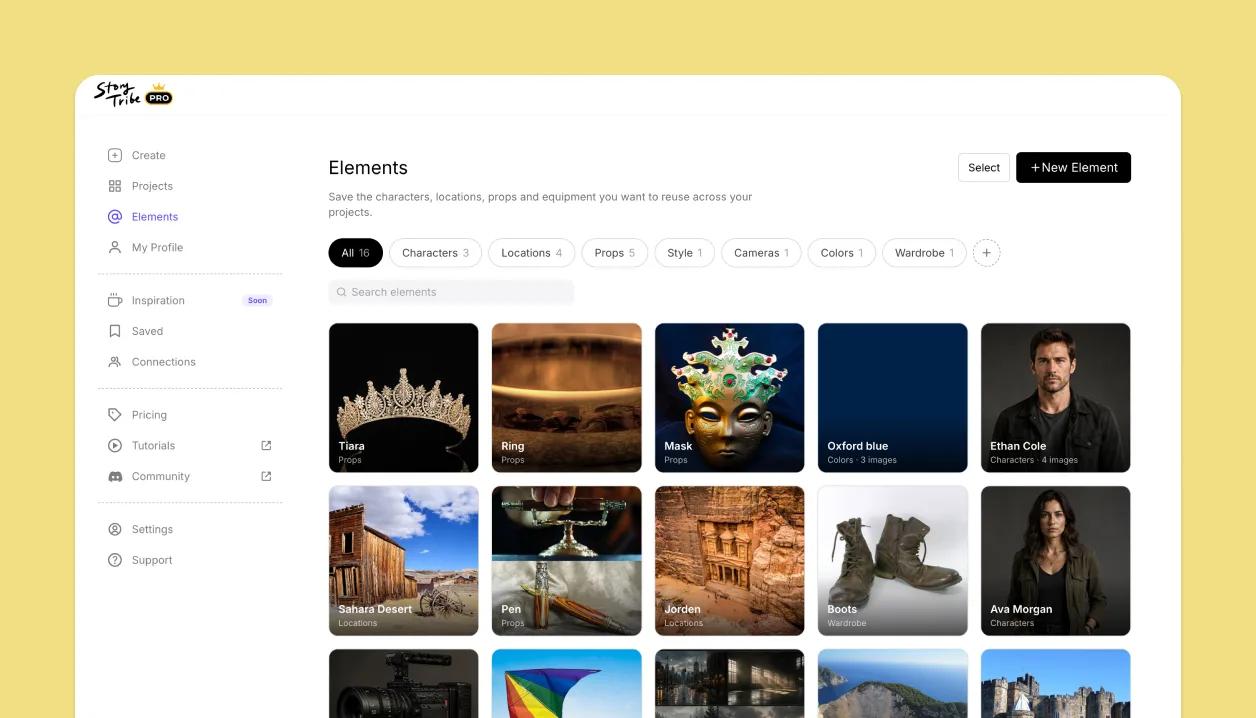
A reusable library of characters, locations, and props
Save your cast, locations, and props as Elements once, then reuse them across every project. Reference one in any shot and it stays consistent, so the same character looks the same in shot 3 and shot 47.
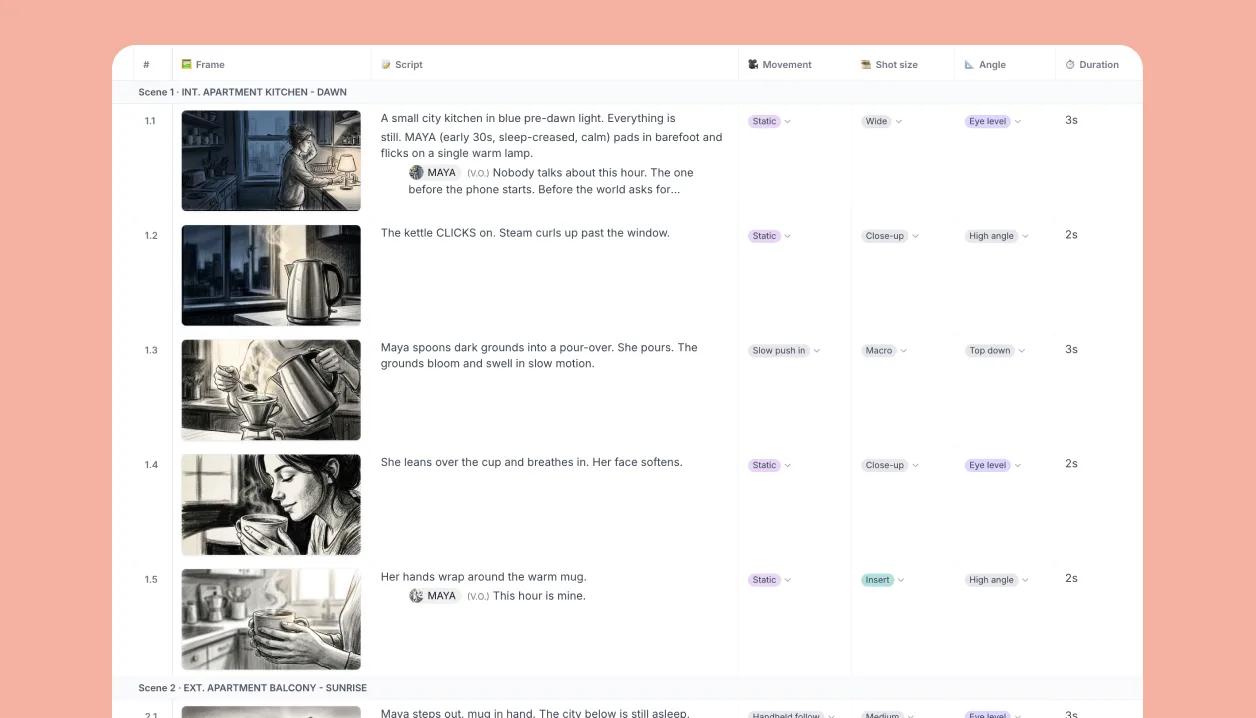
Plan every shot in a spreadsheet-style shot list
Organize your project into scenes and shots, then work the whole shot list as a table. Add the fields you plan by, shot size, angle, cast, location, status, and see every shot at a glance.
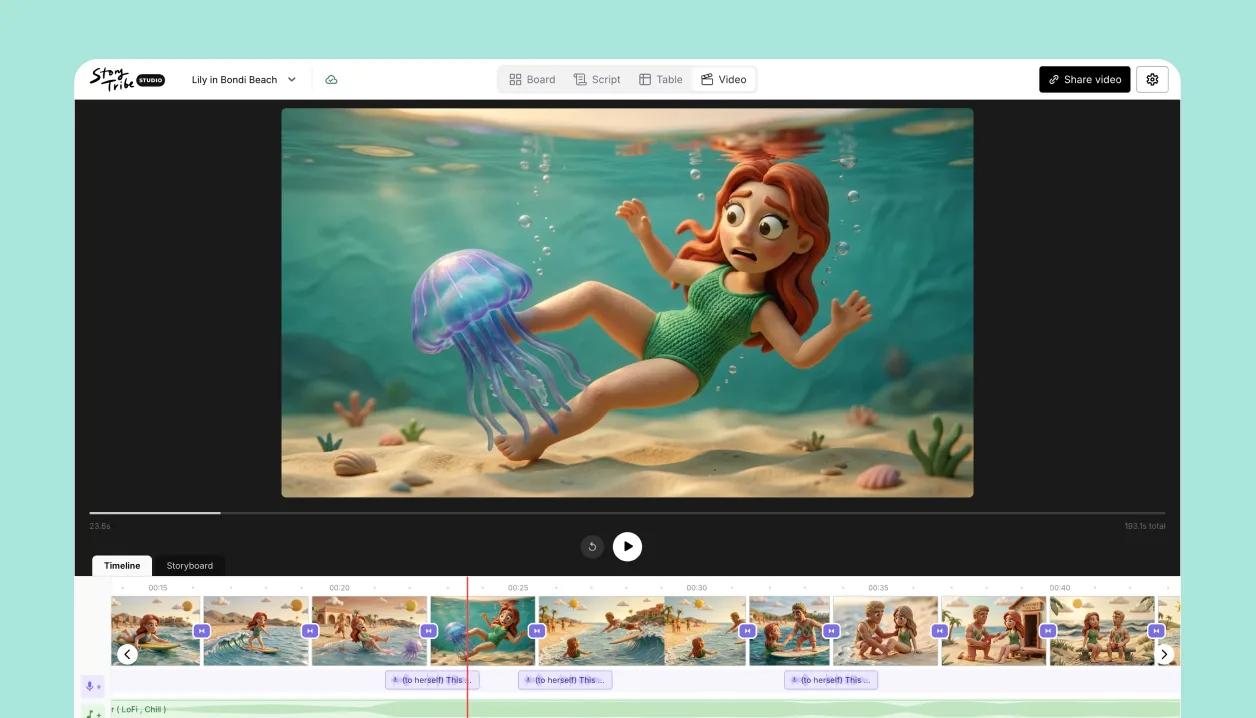
Turn your storyboard into a video
Play your boards as an animatic, add an AI voiceover and music, set a different transition for every cut, and export the whole thing as an MP4. Your storyboard becomes the first cut.
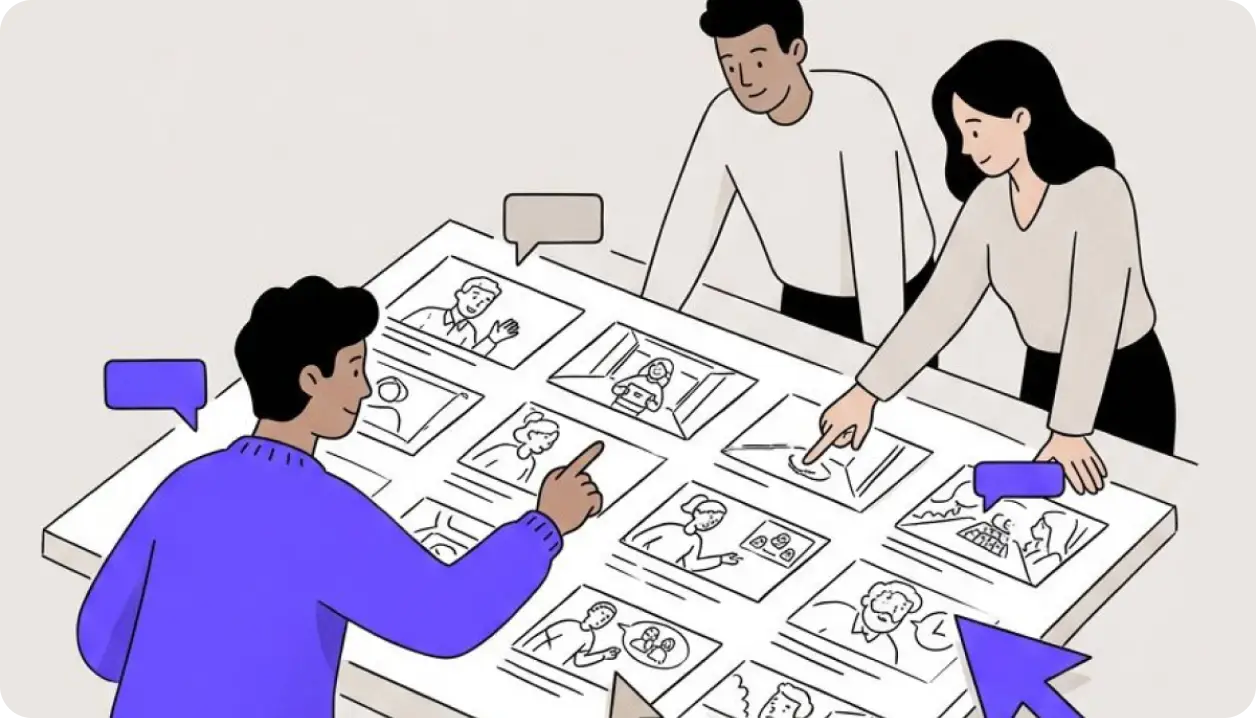
Work with your team and clients in one workspace
Invite your team to a shared workspace and bring clients in as free guests. They view and comment on the boards, feedback pins to the exact shot, and everyone stays on the same version.
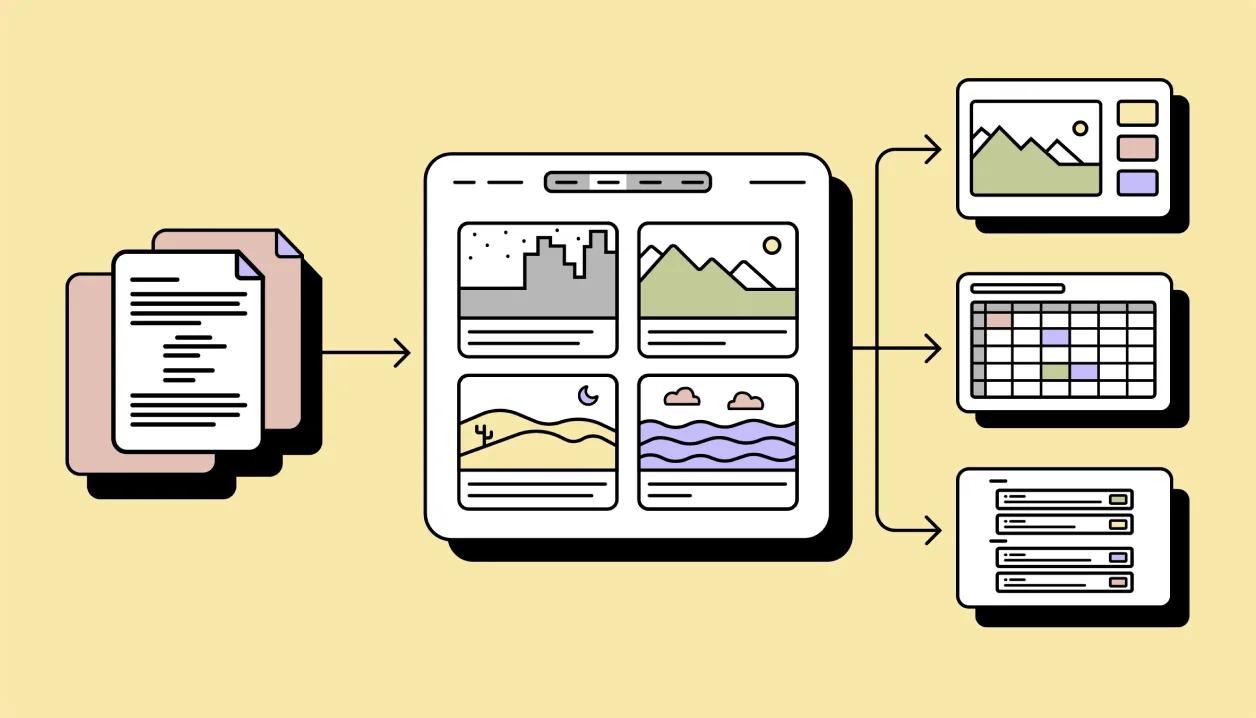
Import and export any format
Bring your script in as Final Draft, Fountain, Word, or plain text. Send your storyboard out as a PDF deck, PowerPoint, a shot-list spreadsheet, or back to Final Draft. Your work is never locked in.
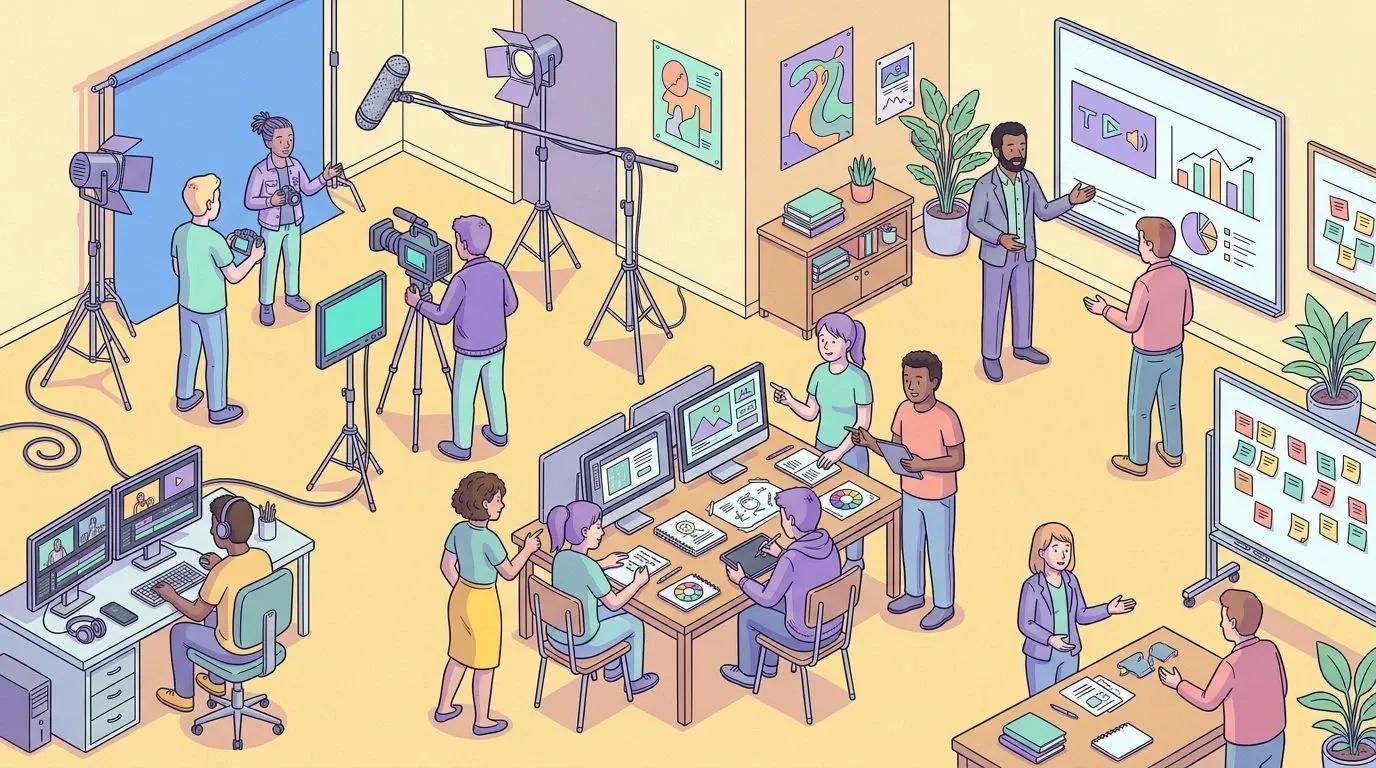
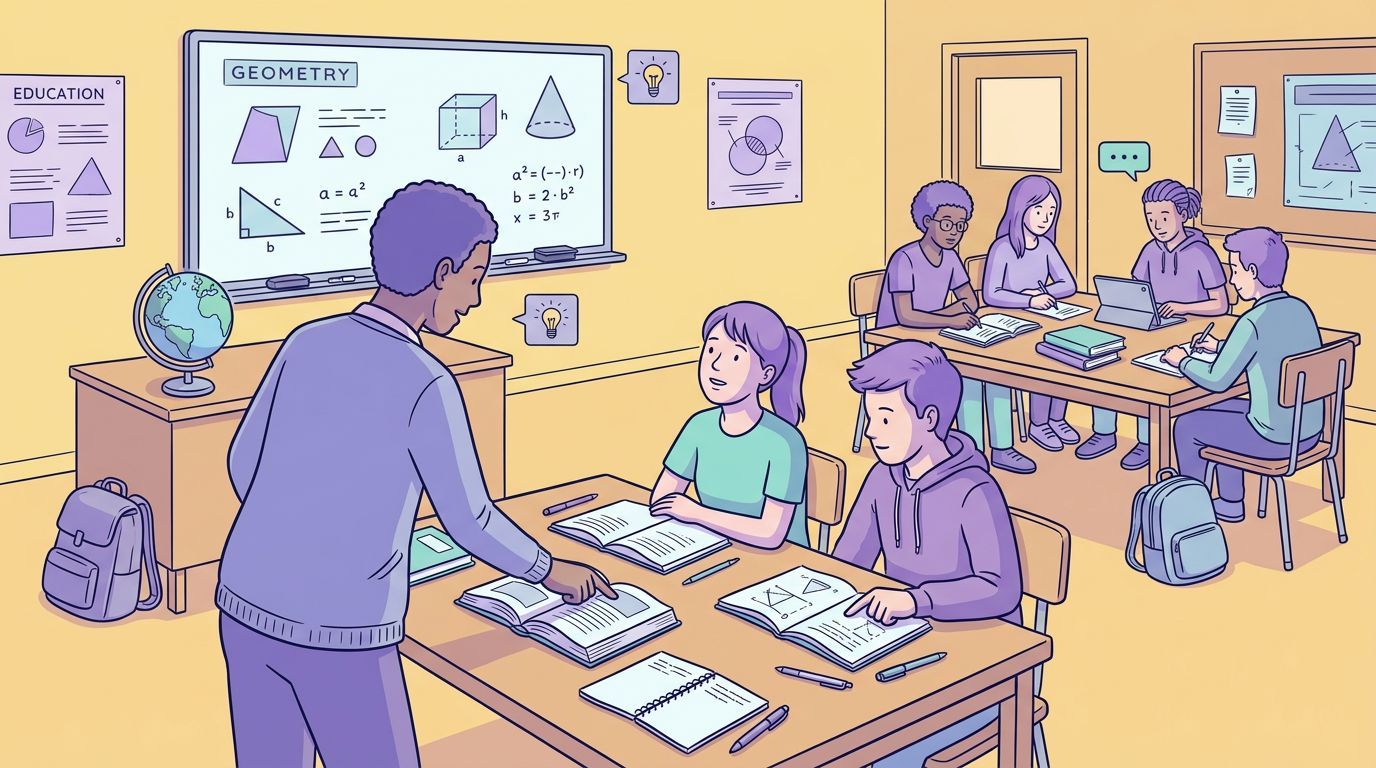
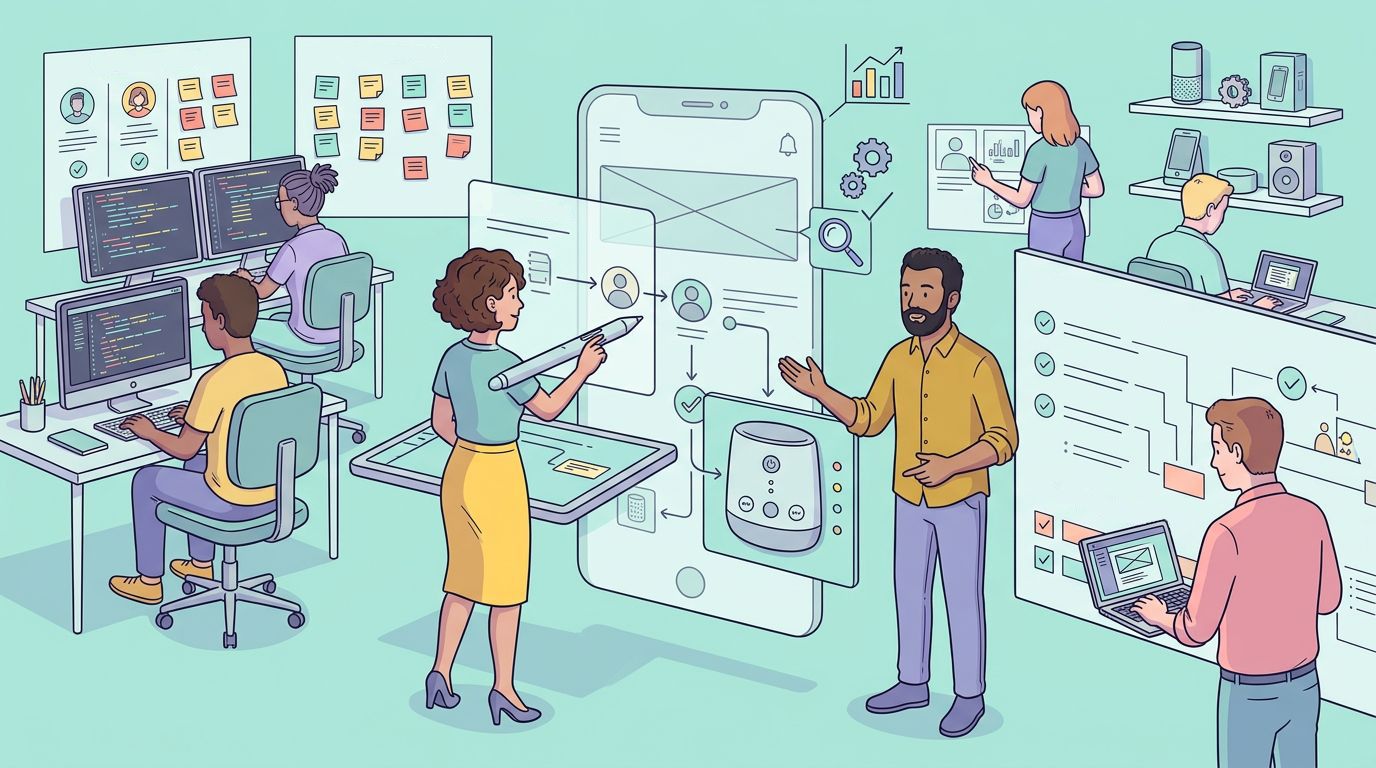
Made for how you work
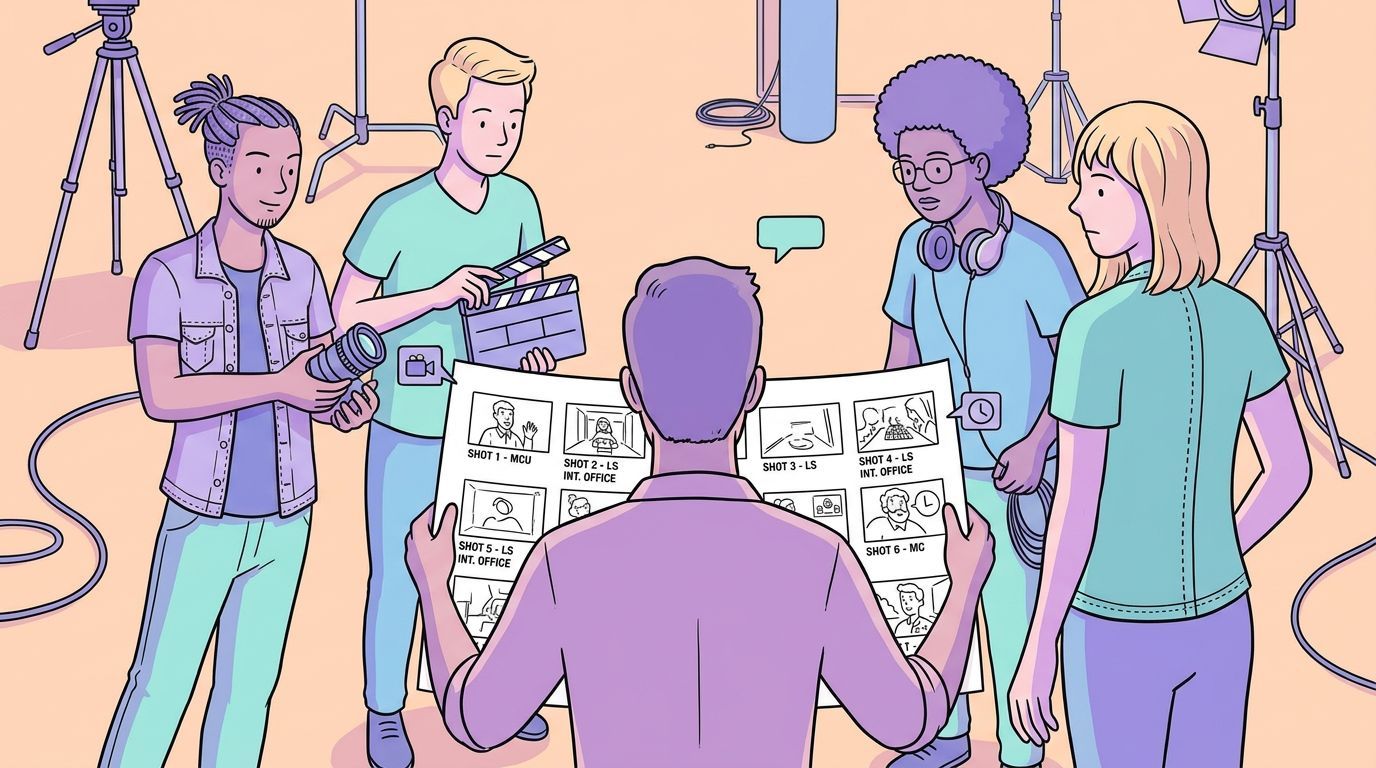
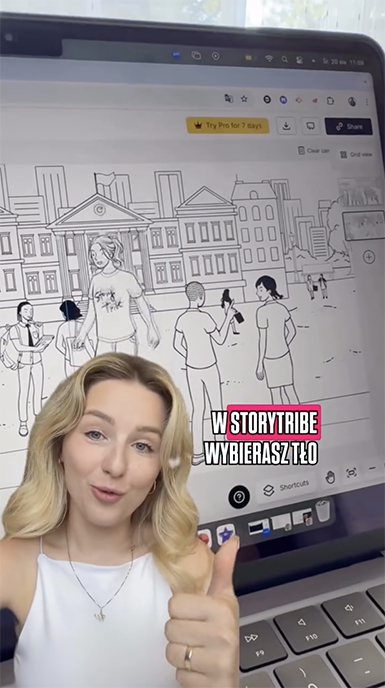
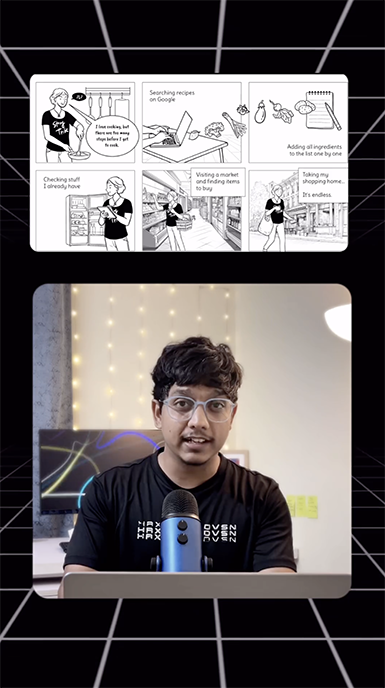
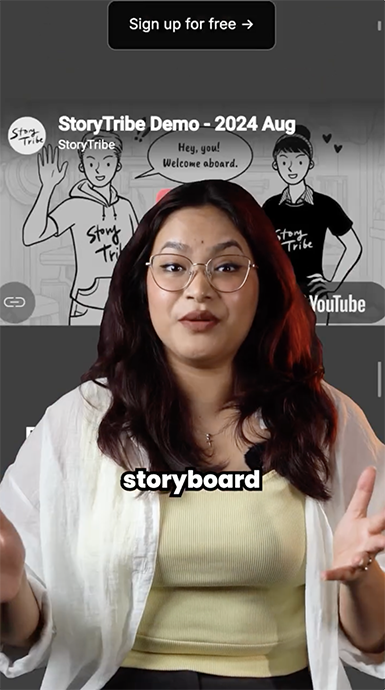
Global Buzz: Creators Talk StoryTribe
Creators around the world are sharing their StoryTribe experiences. Explore their posts to see what global creators are saying about StoryTribe.


Testimonials
What people say
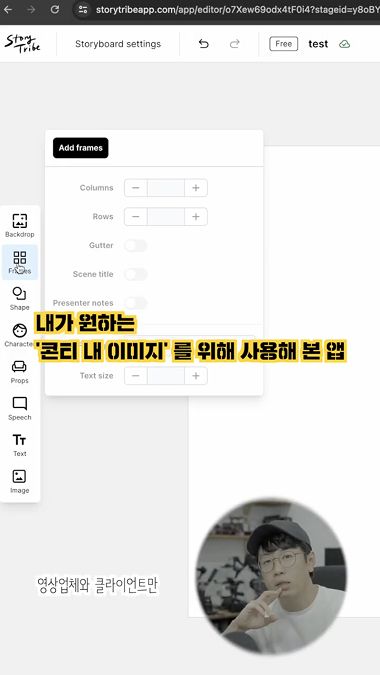
“I could never get this from other tools, keeping my character consistent, changing poses and backdrops easily. StoryTribe made it simple.”

"StoryTribe enabled us to create more interactive and engaging content for our R&D team... visuals are crucial for them."

"I was desperately trying to do the drawing parts myself, spending hours on it. StoryTribe massively helped and sped things up."