Plan every shot in a spreadsheet-style shot list
Organize your project into scenes and shots, then work the whole shot list as a table. Add the fields you plan by, shot size, angle, cast, location, status, and see every shot at a glance.
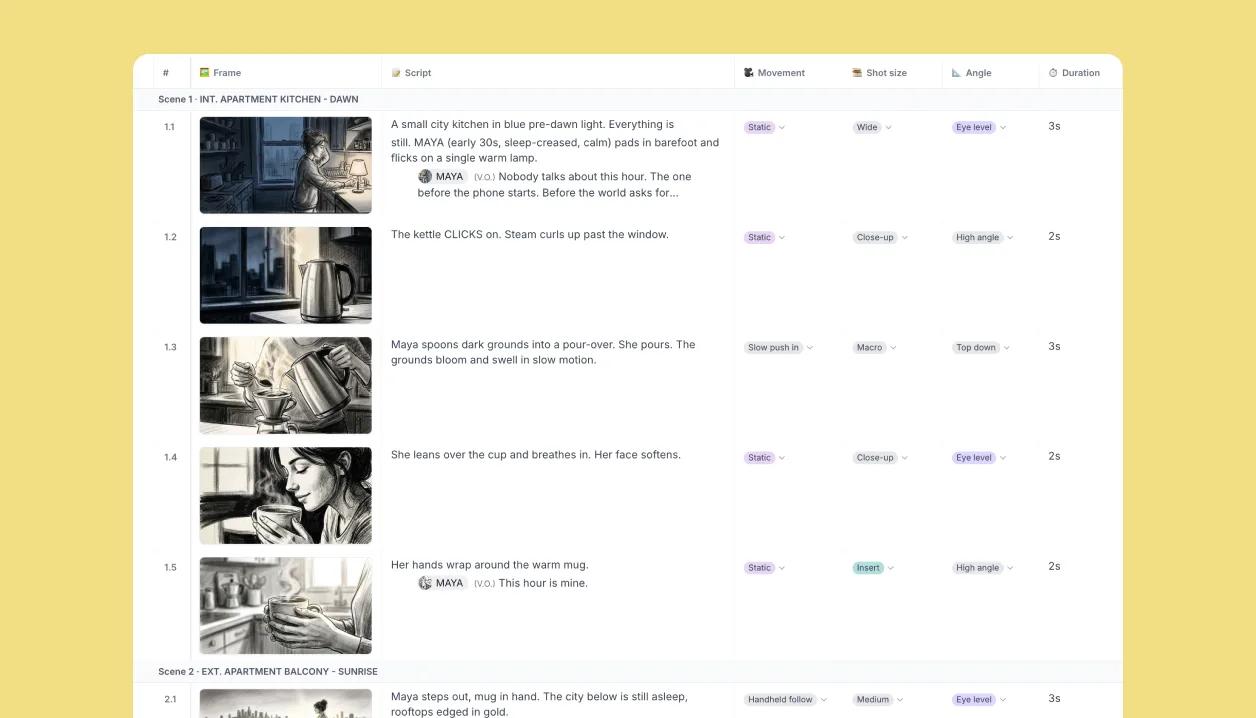
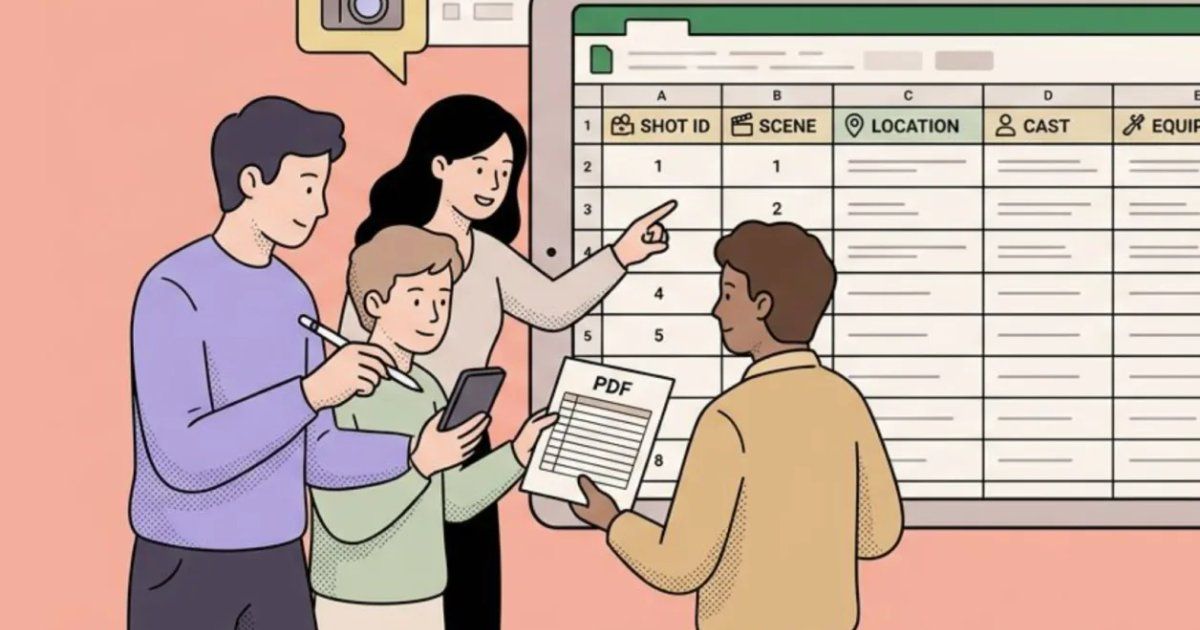
Table view: the whole board as rows
Switch to Table view and every shot becomes a row with its image, script and properties side by side. Edit a cell and the board updates; reorder a row and the numbering follows.
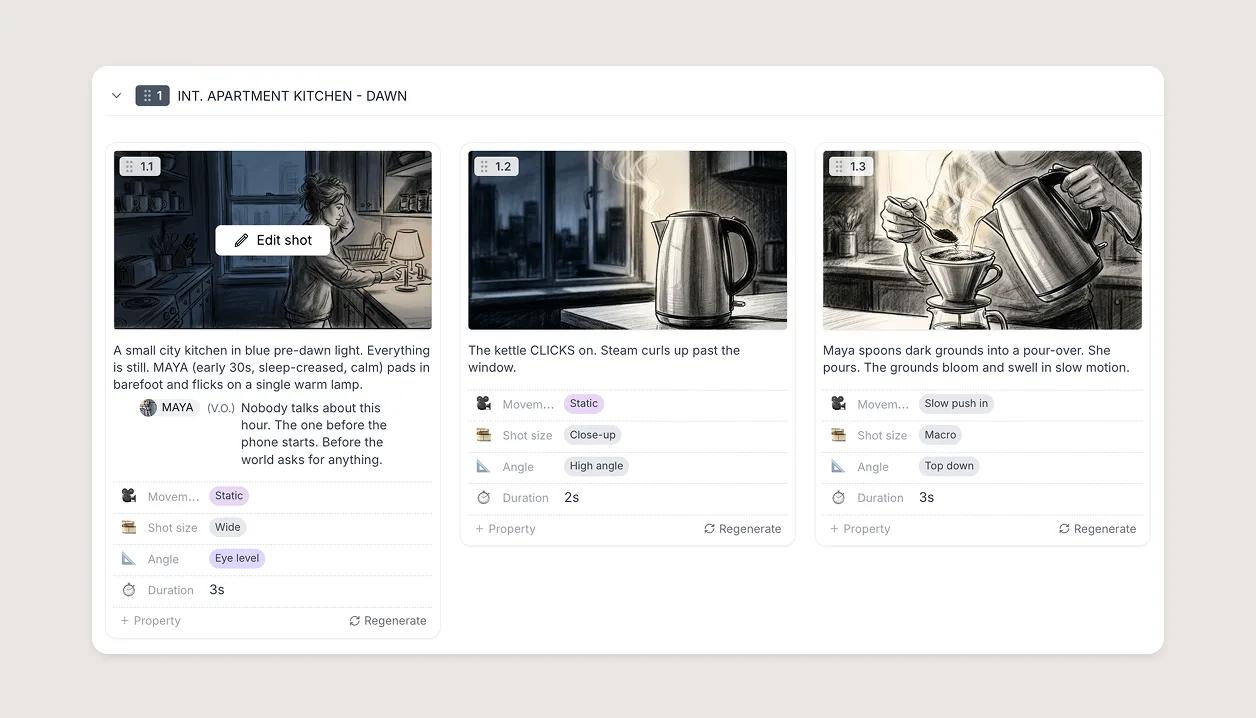
Every detail of the shot, on the shot
Each shot tracks what the day actually runs on: shot size, angle, interior or exterior, time of day, cast. Need lens, wardrobe, VFX or a column only your production uses? Add it once and it shows on every shot, on the boards and in the list.
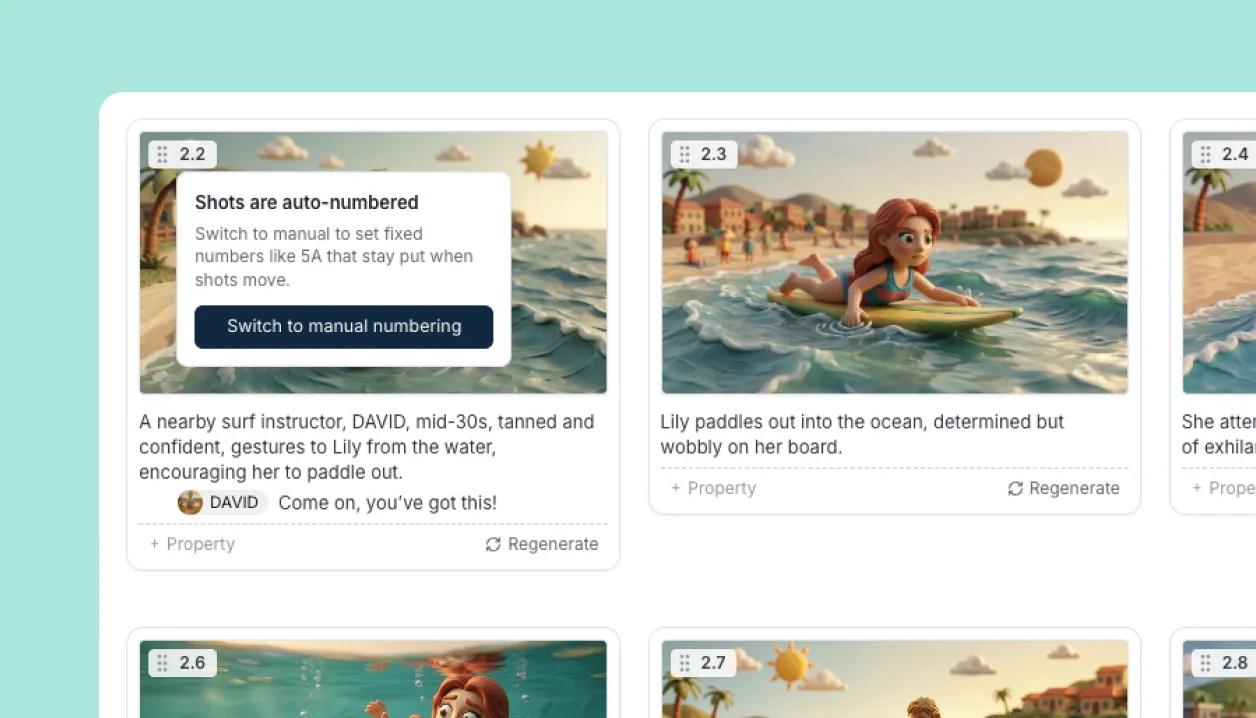
Number scenes and shots your way
Automatic numbering follows the order of the board. Switch to manual when a script is locked and the numbers must not move.

Take the shot list to set, on paper or tablet
Export CSV or Excel for scheduling and budgeting, print a PDF and run the day off paper, or bring a tablet and work the same table live: tap to select, drag to reorder, update a status as you shoot. Whichever the crew holds, it matches the board.