Import and export any format
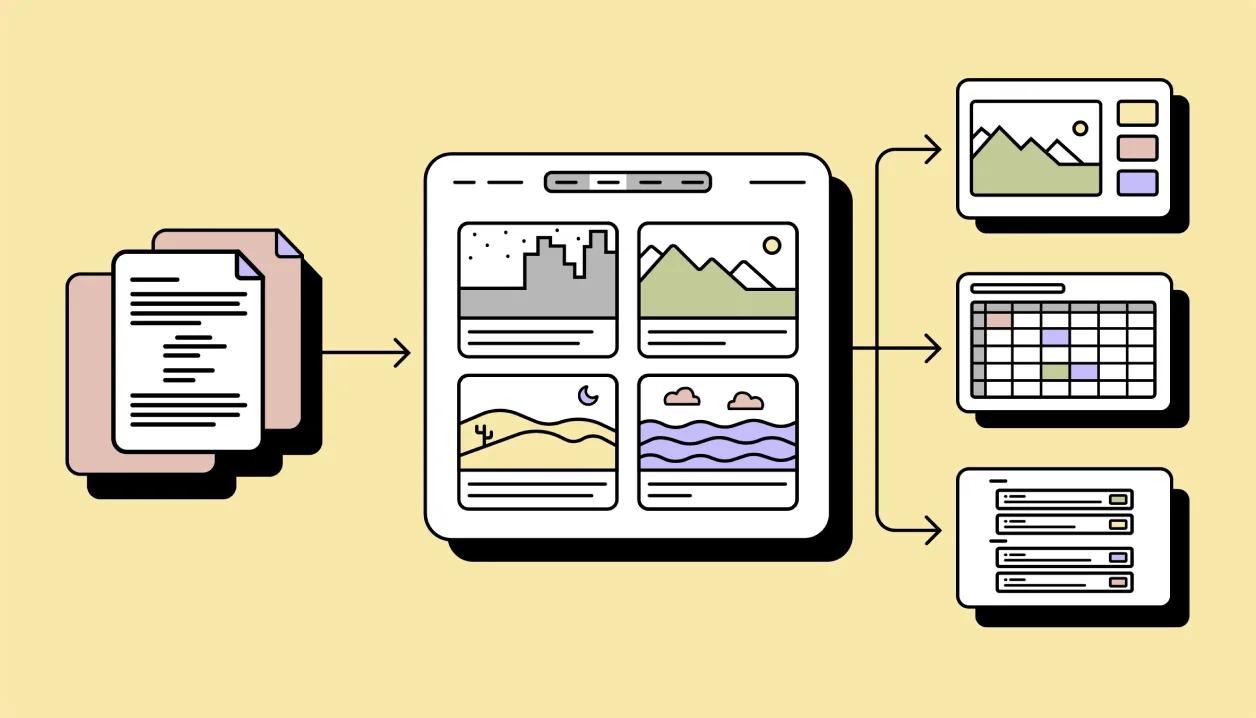
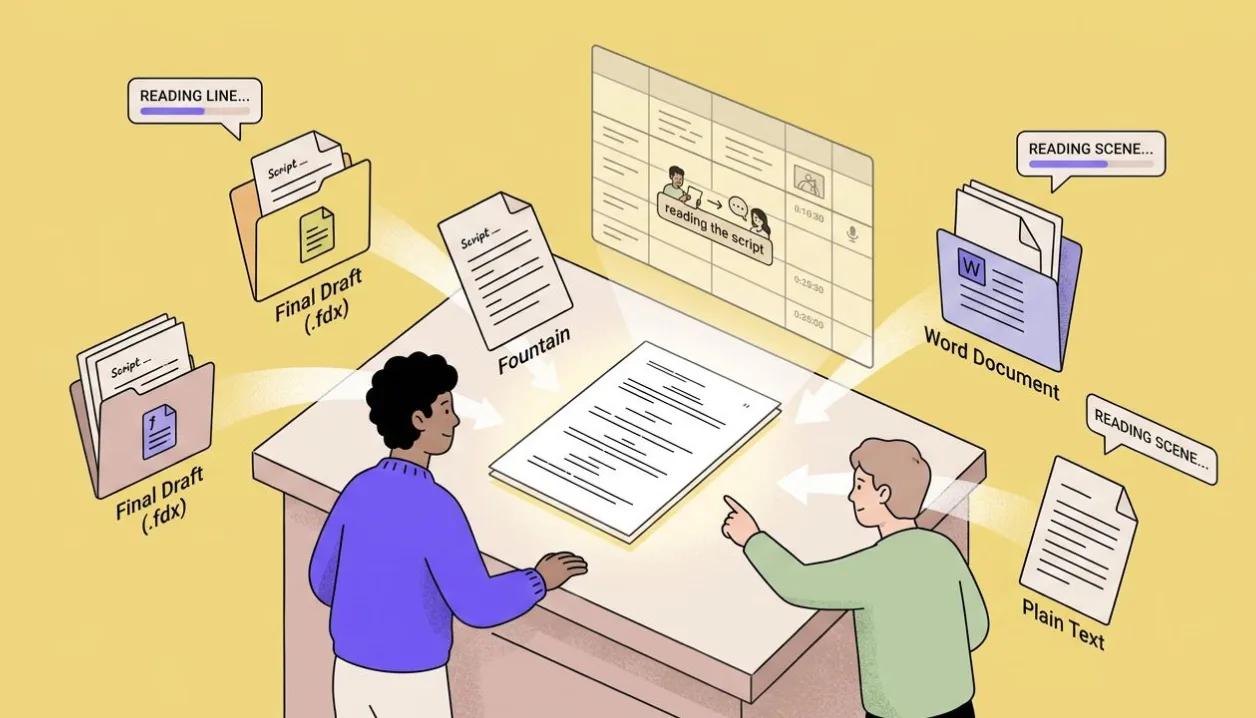
Bring your script in as Final Draft, Fountain, Word, or plain text. Send your storyboard out as a PDF deck, PowerPoint, a shot-list spreadsheet, or back to Final Draft. Your work is never locked in.
Import the script you already have
Bring in .fdx, .fountain, .docx or .txt, or paste the text. Nothing is rewritten: a review step shows what was found before it lands in the project.
Export the storyboard the way your team works
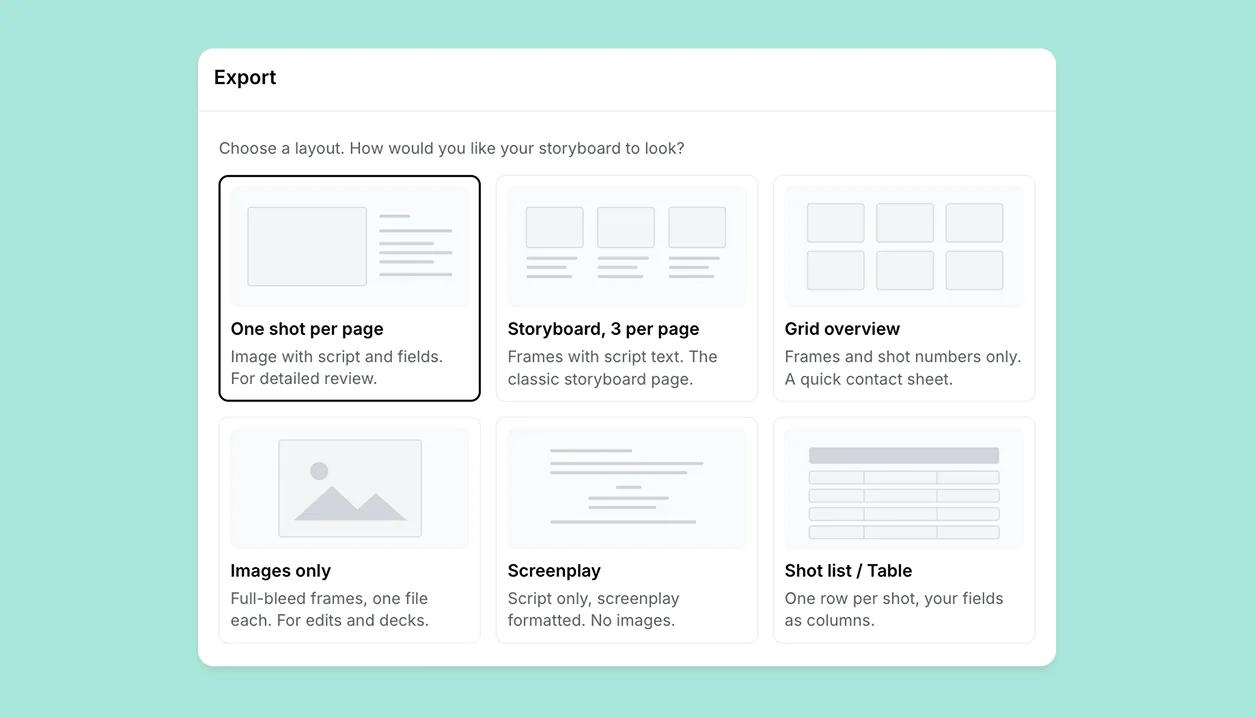
PDF or PowerPoint decks with script and annotations, single shots as PNG, or the whole board as images.
Screenplay-ready script exports
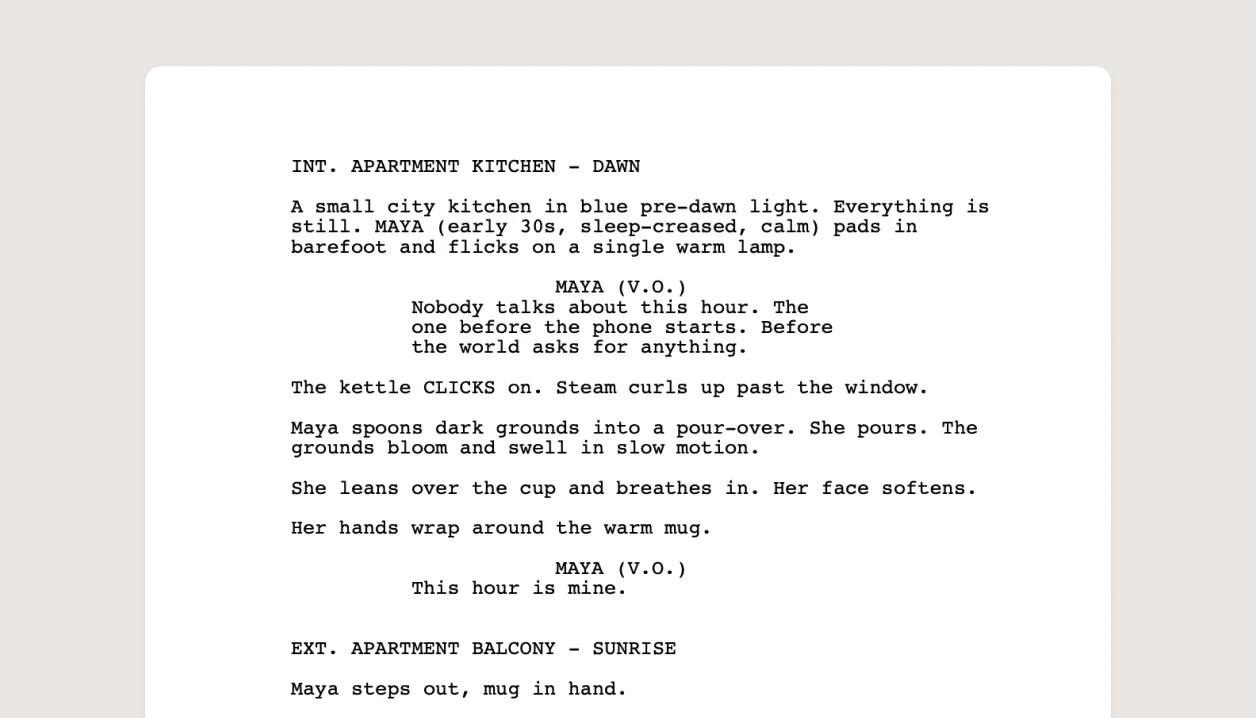
Export the script as a screenplay PDF, Word document, plain text, Final Draft or Fountain, formatted for the next tool in the chain.

The shot list as a spreadsheet
Export the shot table as CSV or Excel for your scheduling and budgeting tools, or as a PDF for a printed shot list. One row per shot, with the fields you chose as columns.
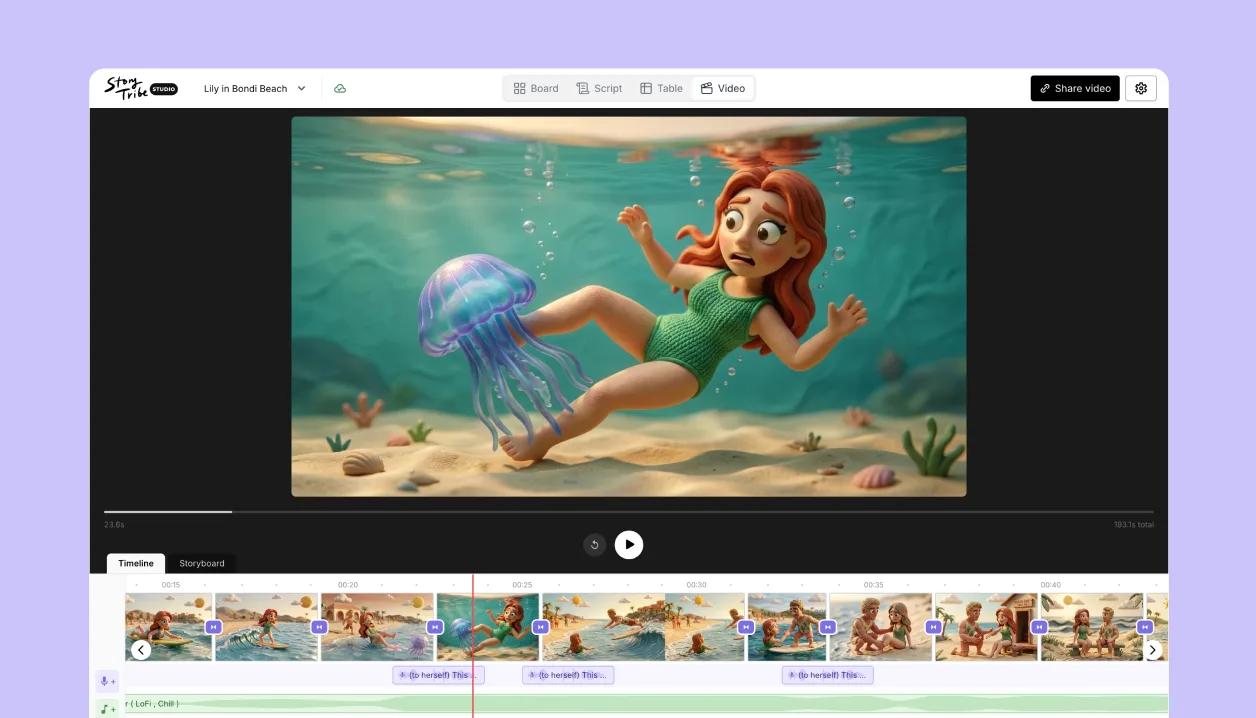
The animatic as a video
Render your animatic as an MP4 to drop into the edit or upload anywhere, or publish it as a video page and just send the link.
Learn how
Import a script (.fdx, .fountain, .docx, .txt, or paste)Paste a script or drop a Final Draft, Fountain, Word or text file, review how it splits into scenes and shots, map any properties it mentions, and confirm. Scenes and dialogue arrive intact.OverviewThe import review stepReview script lists every scene, shot and line found in your script. Split or join shots, untick anything you do not want, then add it to the project or replace what is already there.TaskDownload your storyboard (PDF, PowerPoint, PNG)Share, then the Download tile, opens the Export dialog. Pick a layout, a format and which shots, then click Export. On the free plan, PDF and image files carry a watermark and PowerPoint is on paid plans.OverviewExport your script (PDF, Word, text, Final Draft, Fountain)Share › Download › Screenplay exports the script alone, screenplay-formatted, as Fountain, Final Draft, PDF, docx or txt, with the title page from Script details.OverviewExport the shot table (CSV, Excel, PDF)Share › Download › Shot list / Table gives one row per shot with your fields as columns, as CSV, XLSX or an A4 landscape PDF with thumbnails. No watermark on any plan.TaskTry Import and export on your own project
Free to start. Upgrade when the project needs it.