Delete your account
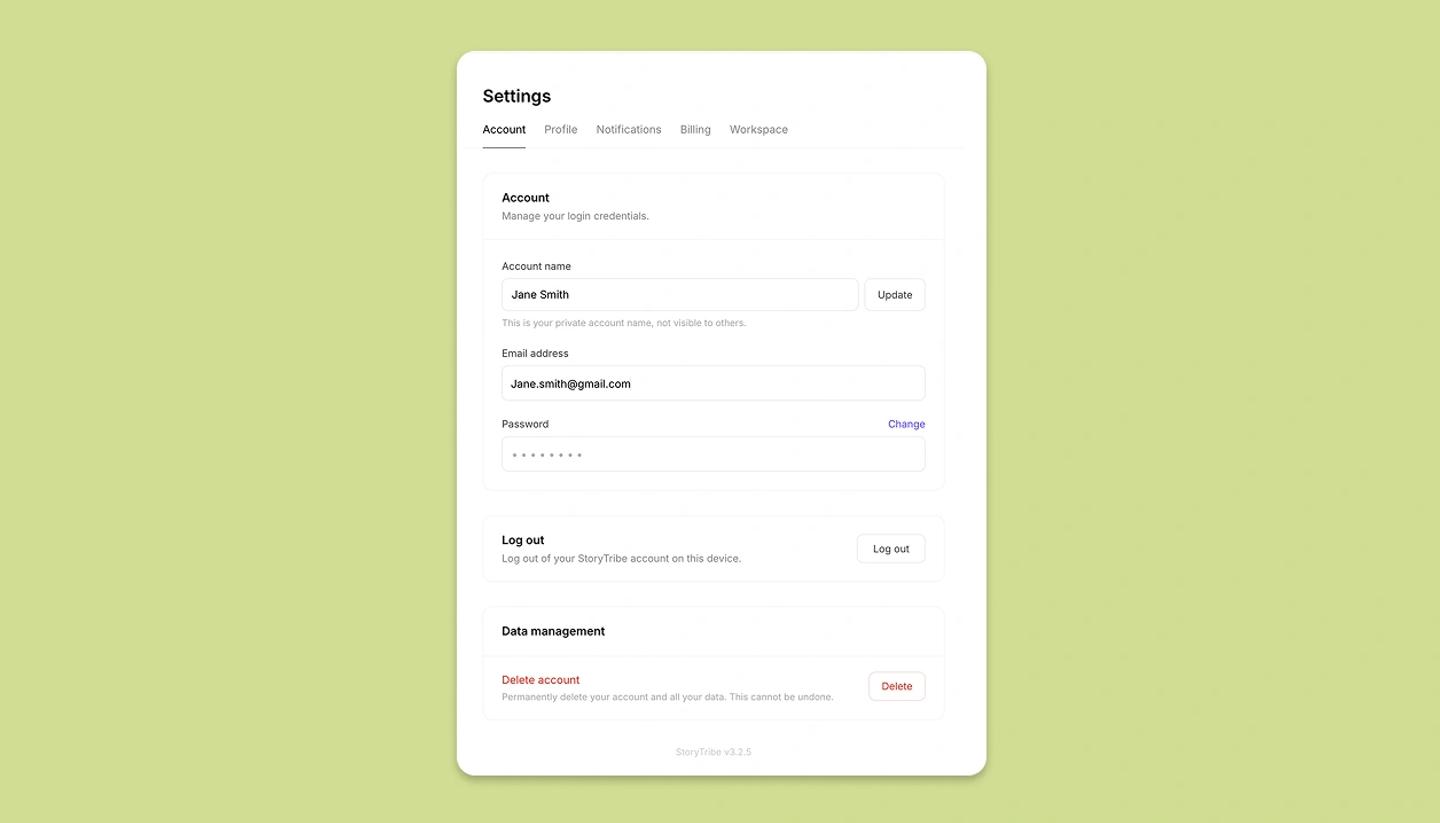
Settings › Account › Delete account asks you to confirm by typing your password (or the phrase delete my account for Google accounts). Deletion is immediate and permanent: projects, published pages and credits all go.
Last updated Aug 29, 2026
- Export what you need: each project's Share › Download (pages, images, script, shot list) and Share video › Download video.
- If you own a Studio workspace, deleting your account also deletes the workspace, and its members lose access. Before you delete, contact support to move people's work or hand the workspace over to a new subscriber.
- Open Settings from the left menu › Account and click
Delete account. - In
Are you sure you want to delete your StoryTribe account?, type your password, or for a Google account the phrasedelete my account, and confirm. You're signed out and the account is gone.
What's removed
Your projects and their files, your published pages (their links stop working), your profile, comments you've left, followers and follows, and any remaining credits. Projects you were invited to stay with their owners; your name simply drops off them.
Just want to stop paying?
Cancel the subscription instead; the account and its projects stay on the Free plan.
Common questions
Was this article helpful?
Need more help?
Send us a message. We reply within 3 days, usually sooner.