Shared Elements library in a workspace
A workspace has its own Elements library that every member can use. Switch libraries with the picker in the Elements panel, and move elements between Personal and the workspace.
Last updated Aug 29, 2026
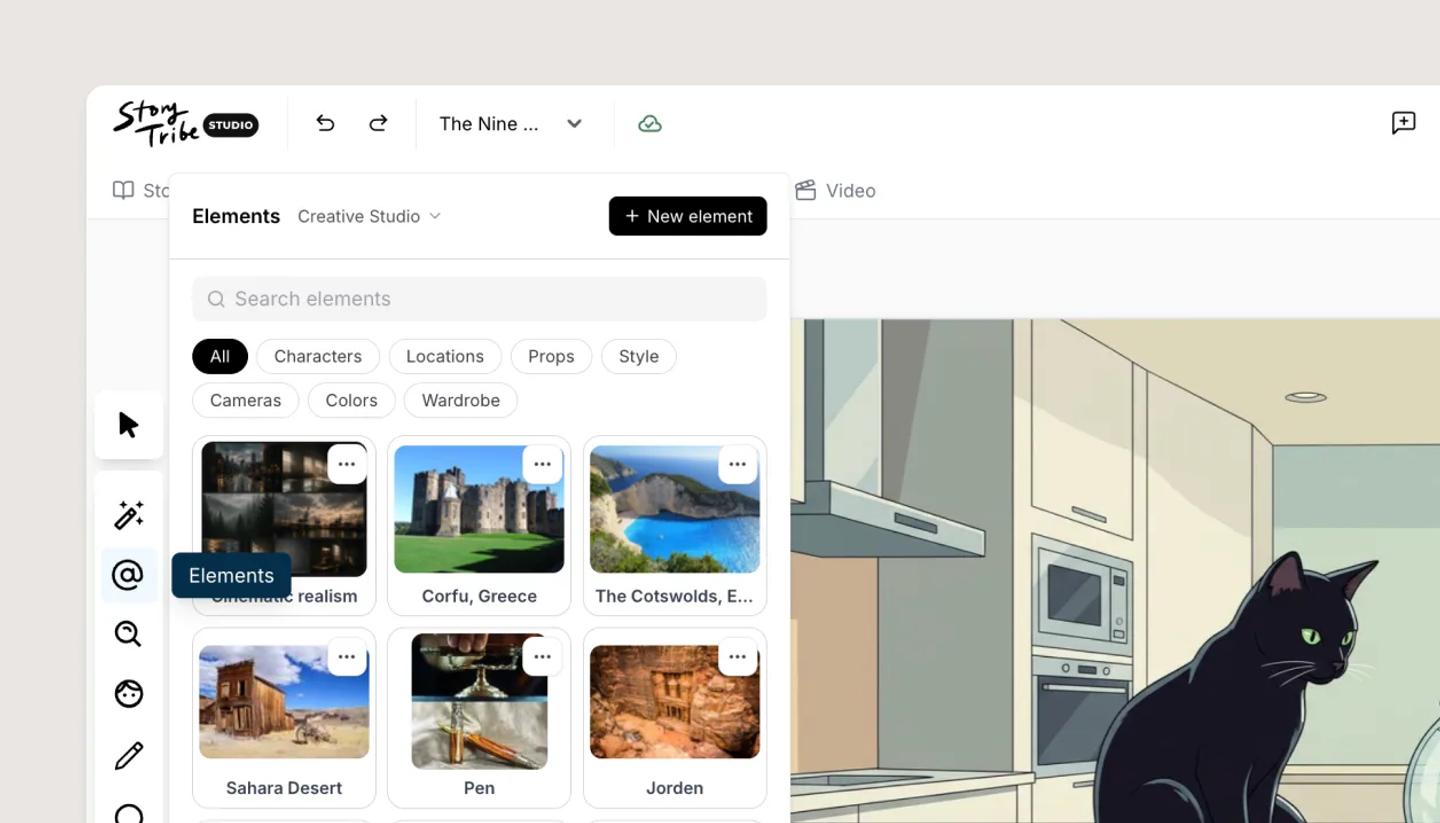
When you belong to a workspace, the Elements panel gains a library picker (Personal or the workspace's name). Elements in the workspace library are visible to every member, in every project, so the team draws from one cast and one set of locations. The same picker appears in the New element dialog under Library, and in Save as element.
Moving an element
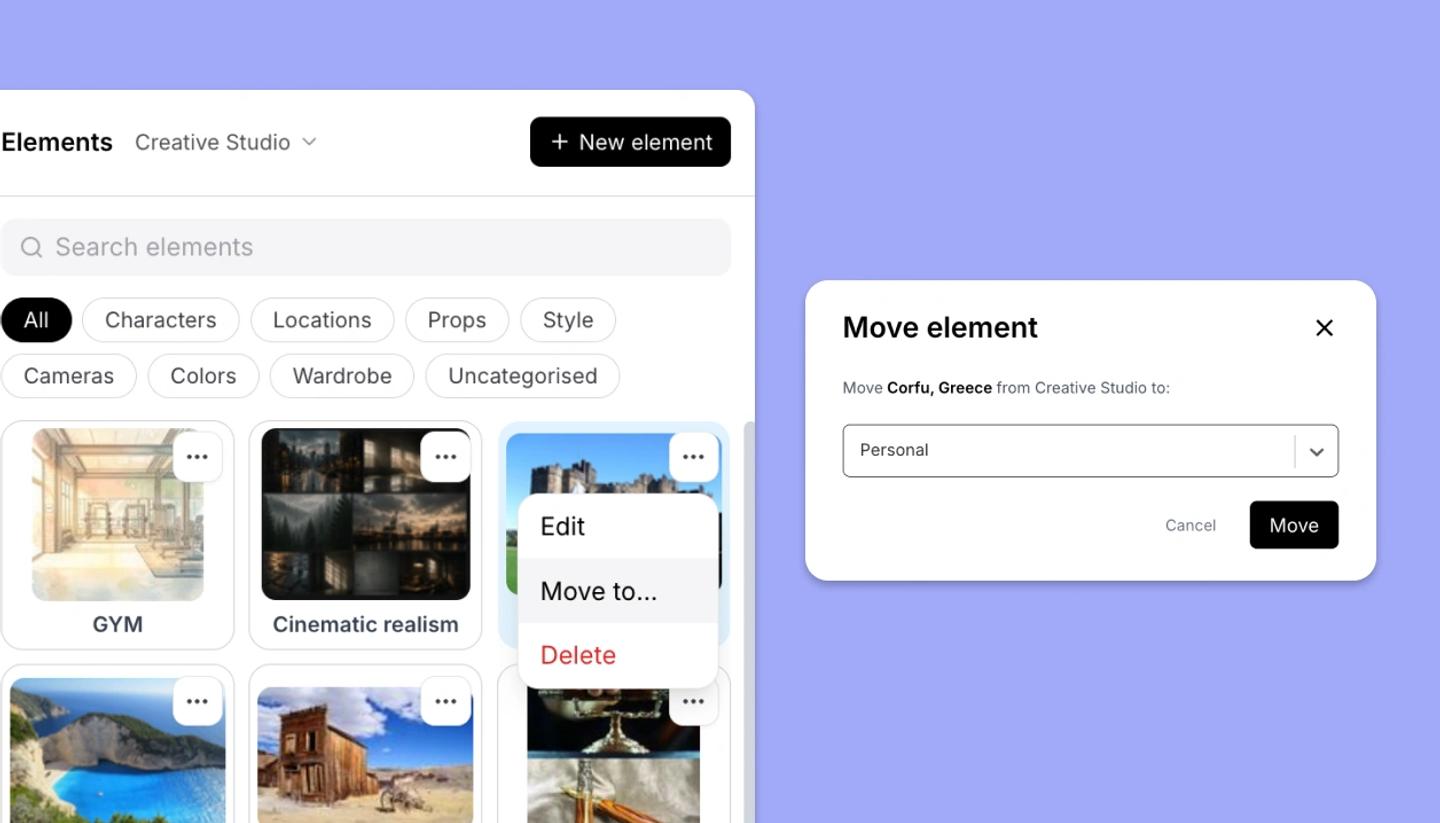
Open the tile's menu and choose Move to..., pick the destination and click Move. The element keeps its identity, so mentions in existing projects keep working, but its category resets because categories belong to each library.
Who can do what
Any member can add to and use the shared library. Editing, moving and deleting an element is for the person who added it and for workspace Owners and Admins; others see the message that only those people can delete it. If the workspace's subscription lapses, the shared library becomes read-only until it's reactivated.
Related articles
How to use ElementsNeed more help?
Send us a message. We reply within 3 days, usually sooner.