What’s new in StoryTribe: April 2026
Here are a few updates we’ve shipped last week.

StoryTribe
StoryTribe Team
You can now add up to 3 reference images when generating with AI, giving you much more control over style, composition, and consistency.
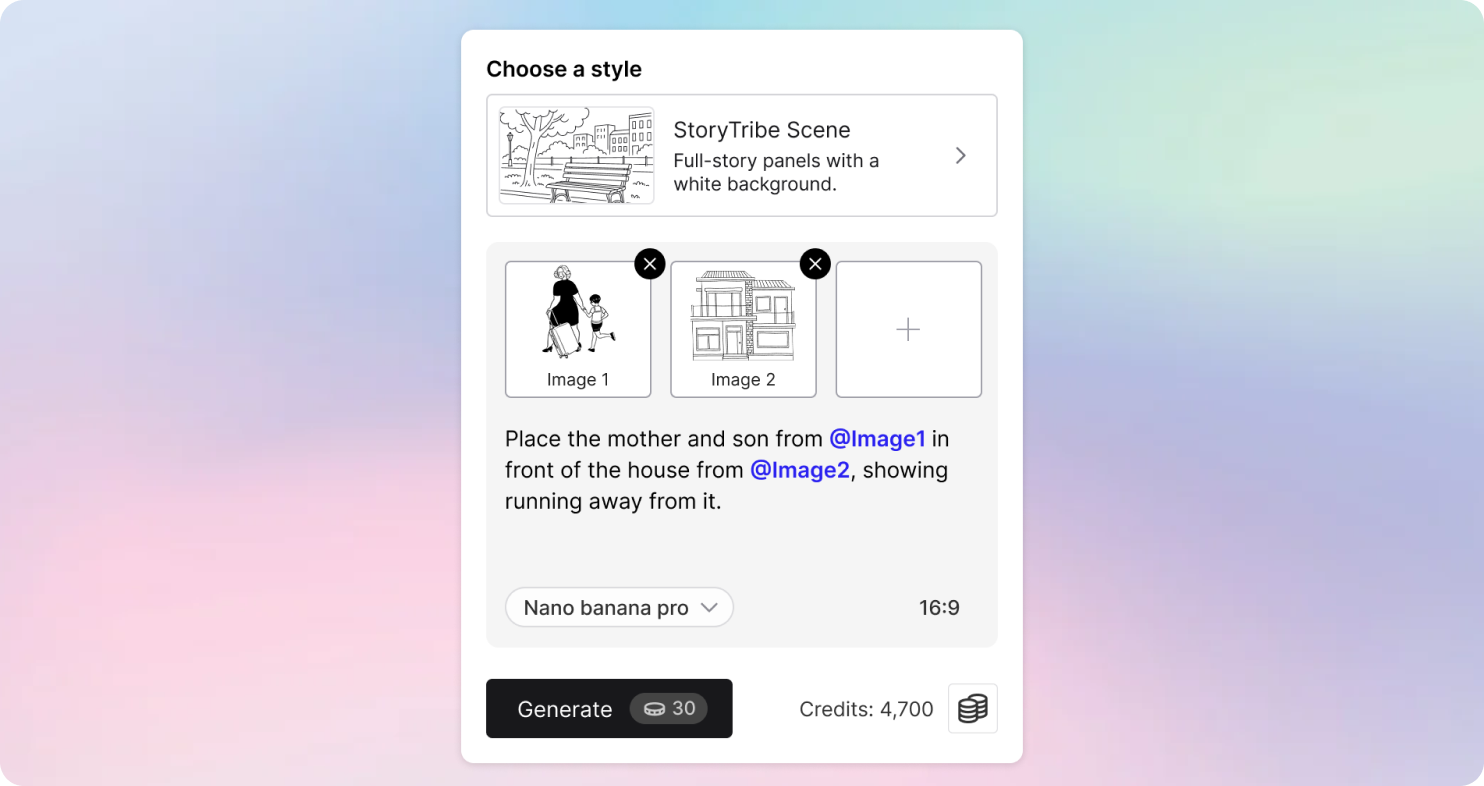
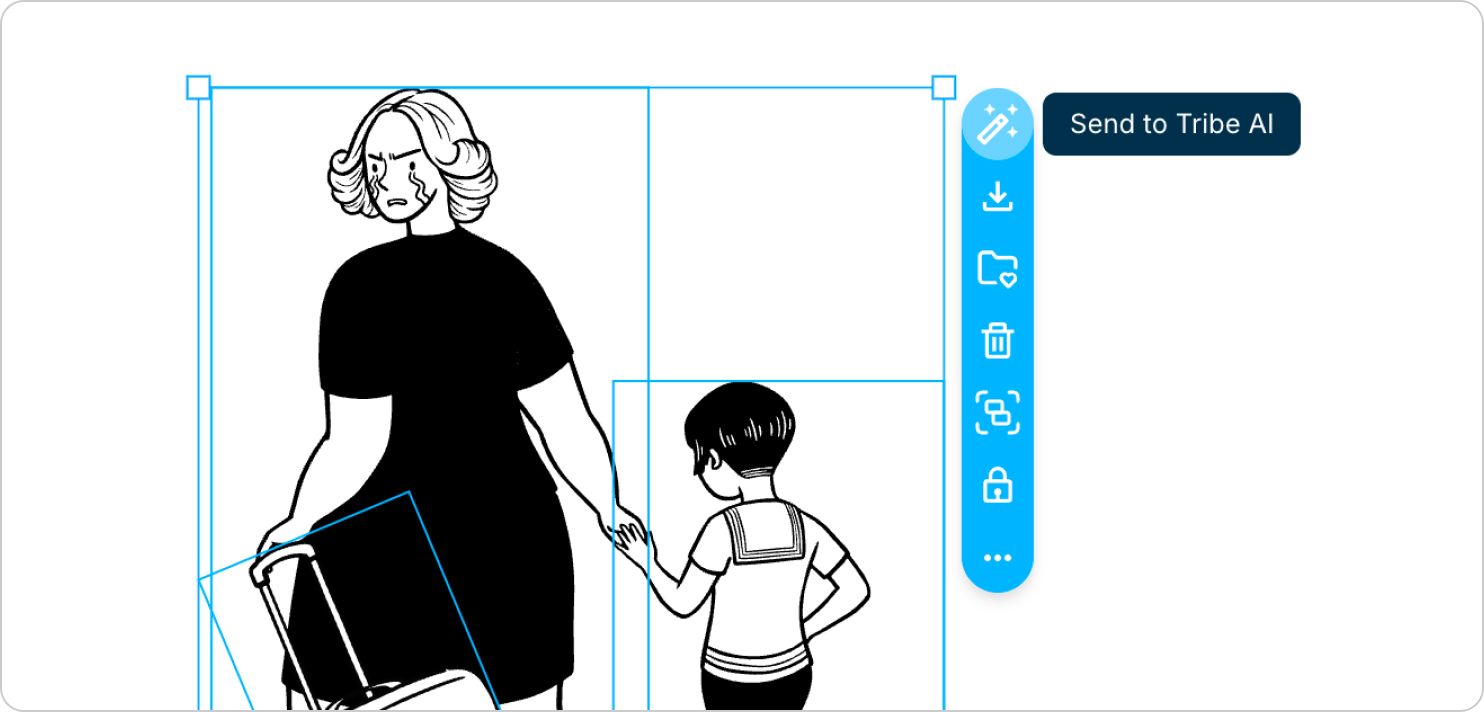
Previously, Tribe AI would only use images already selected on the canvas as references. Now, you can actively choose which images to send to Tribe AI.
Simply:
You can now combine references such as a character, a background, a prop, or even your own sketch — all in a single generation.
This gives you stronger consistency, more accurate environments, and more predictable AI results.
Perfect For:
If you’re just getting started or want to improve your results, we’ve put together a step-by-step guide to help you use Tribe AI more effectively.
👉 Learn the basics of using Tribe AI
-> Start with our free storyboard maker
Here are a few updates we’ve shipped last week.
StoryTribe
StoryTribe Team

Here are a few updates we’ve shipped last week.
StoryTribe
StoryTribe Team
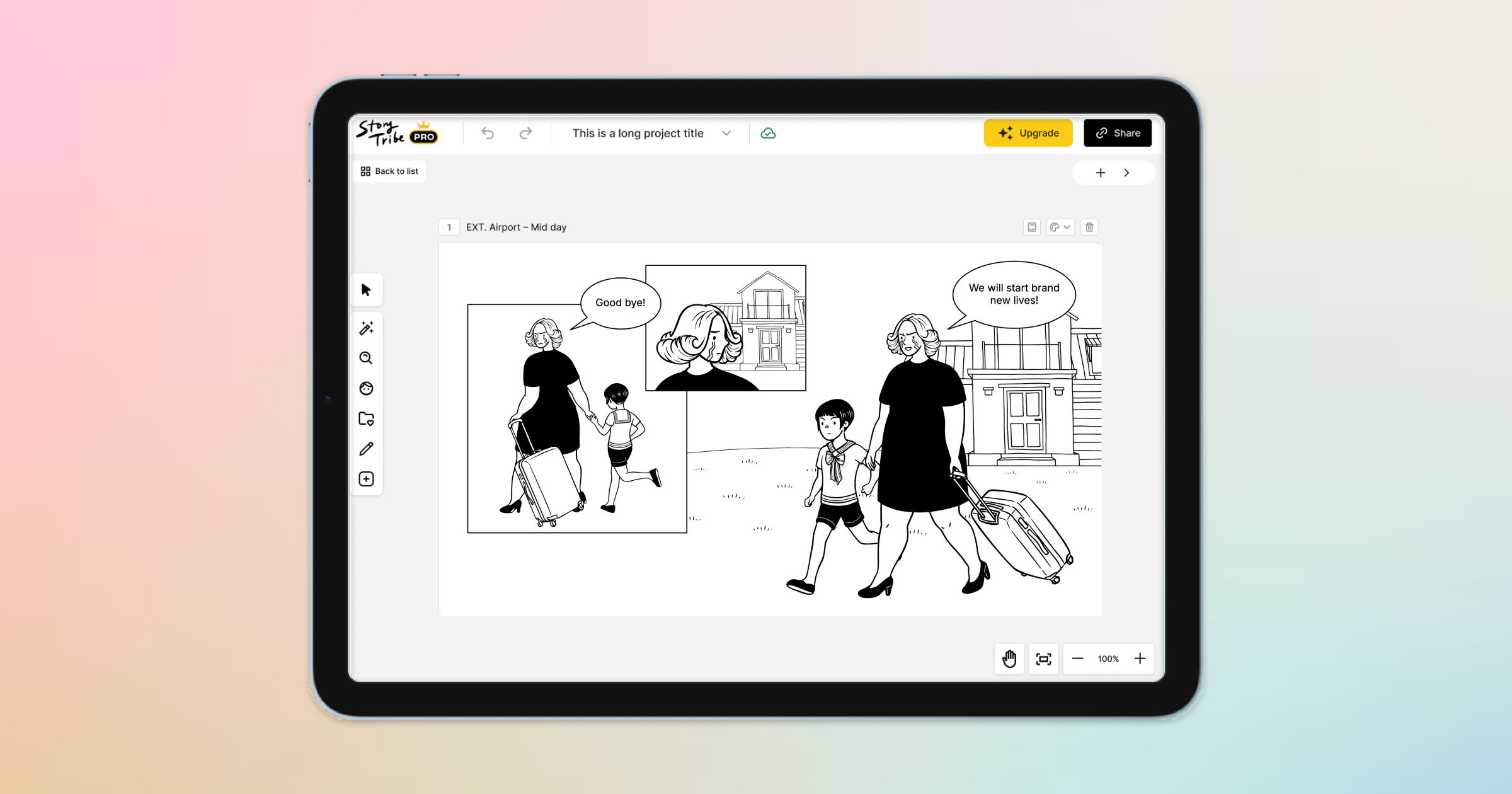
Here are a few exciting updates we’re working on to make your storytelling even better.
StoryTribe
StoryTribe Team