
What’s new in StoryTribe: Mar 2026
Here are a few updates we’ve shipped last week.

StoryTribe
StoryTribe Team
Here are a few updates we’ve shipped last week.
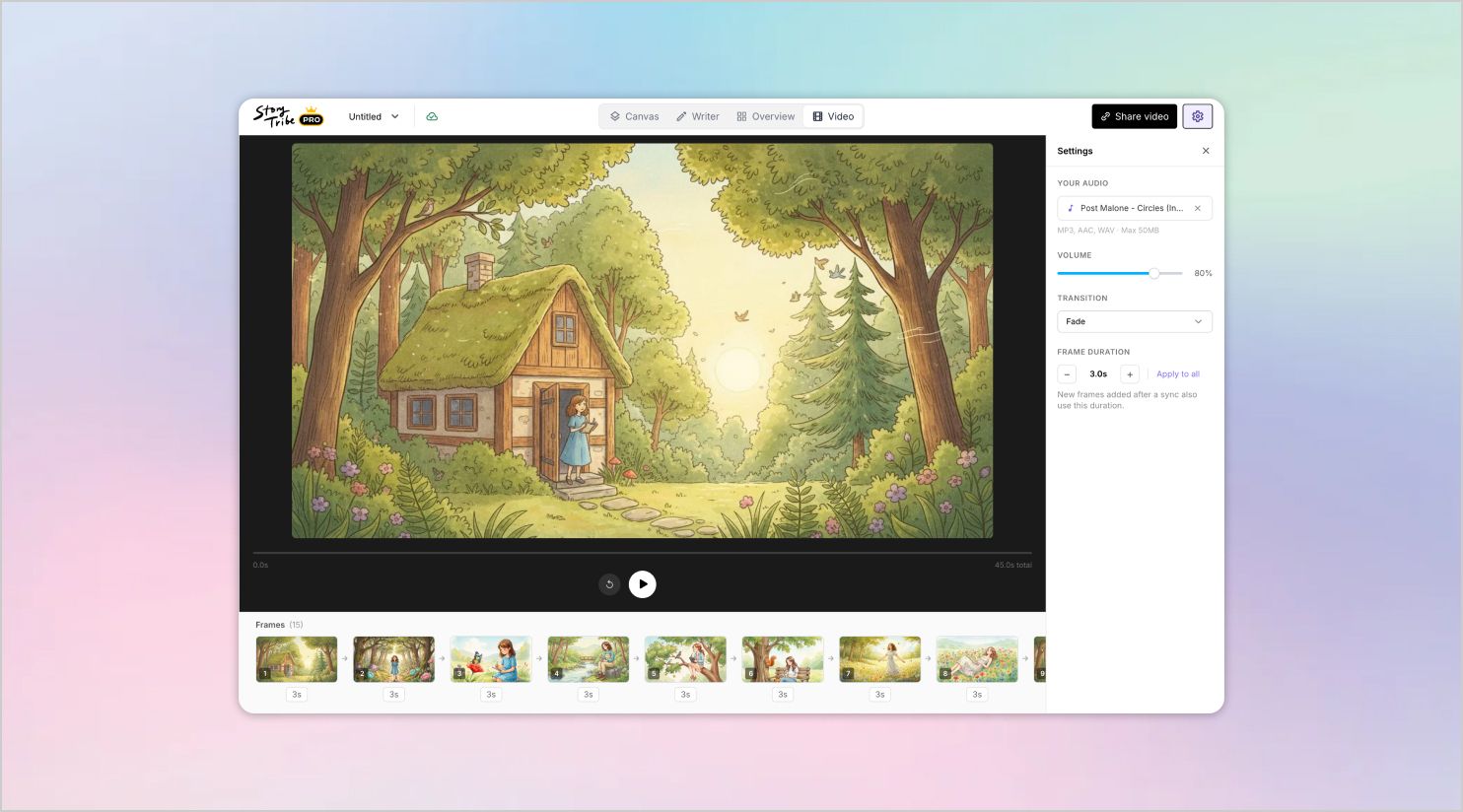
Turn your storyboards into videos — without leaving StoryTribe. Convert your scenes into a ready-made video timeline. Add audio of your choice, adjust scene duration, review playback, and refine the flow of your story. Everything stays connected to your storyboard, so you can create and edit videos inside StoryTribe from start to finish.
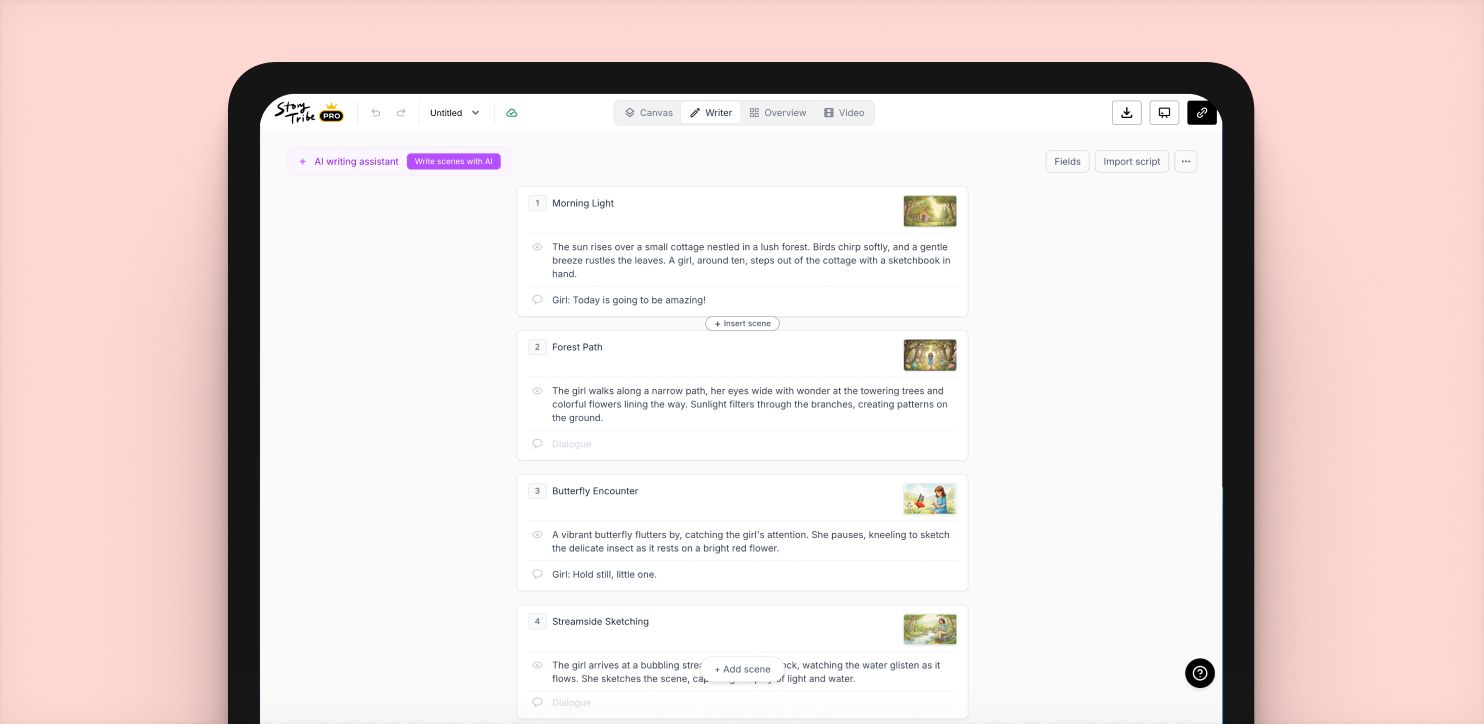
Every project now opens with a view toggle at the top, giving you quick access to four ways of working: Canvas, Writer, Overview, and Video.
Choose the mode that best fits what you’re doing — design scenes visually, write scripts, review project structure, or create videos — and switch between views anytime as your workflow changes.
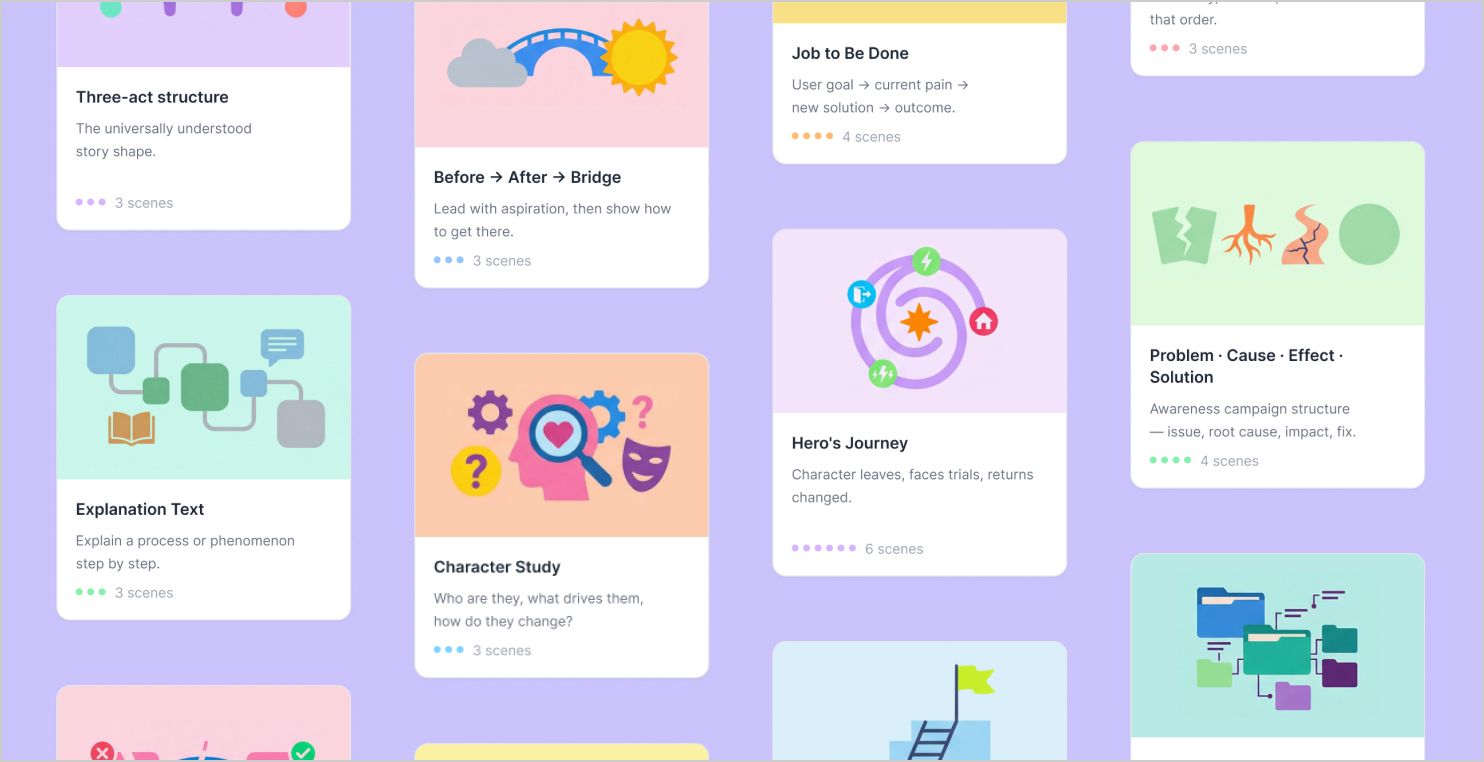
Choose from 47 storytelling frameworks to kick-start your project, including Hero’s Journey, AIDA, Jobs-to-Be-Done, and many more. Each framework gives you a ready-made structure with pre-filled scene titles and guided writing prompts, helping you shape your ideas step by step. Whether you’re creating a story, lesson, campaign, or presentation, frameworks make it easier to begin, stay focused, and build with confidence.
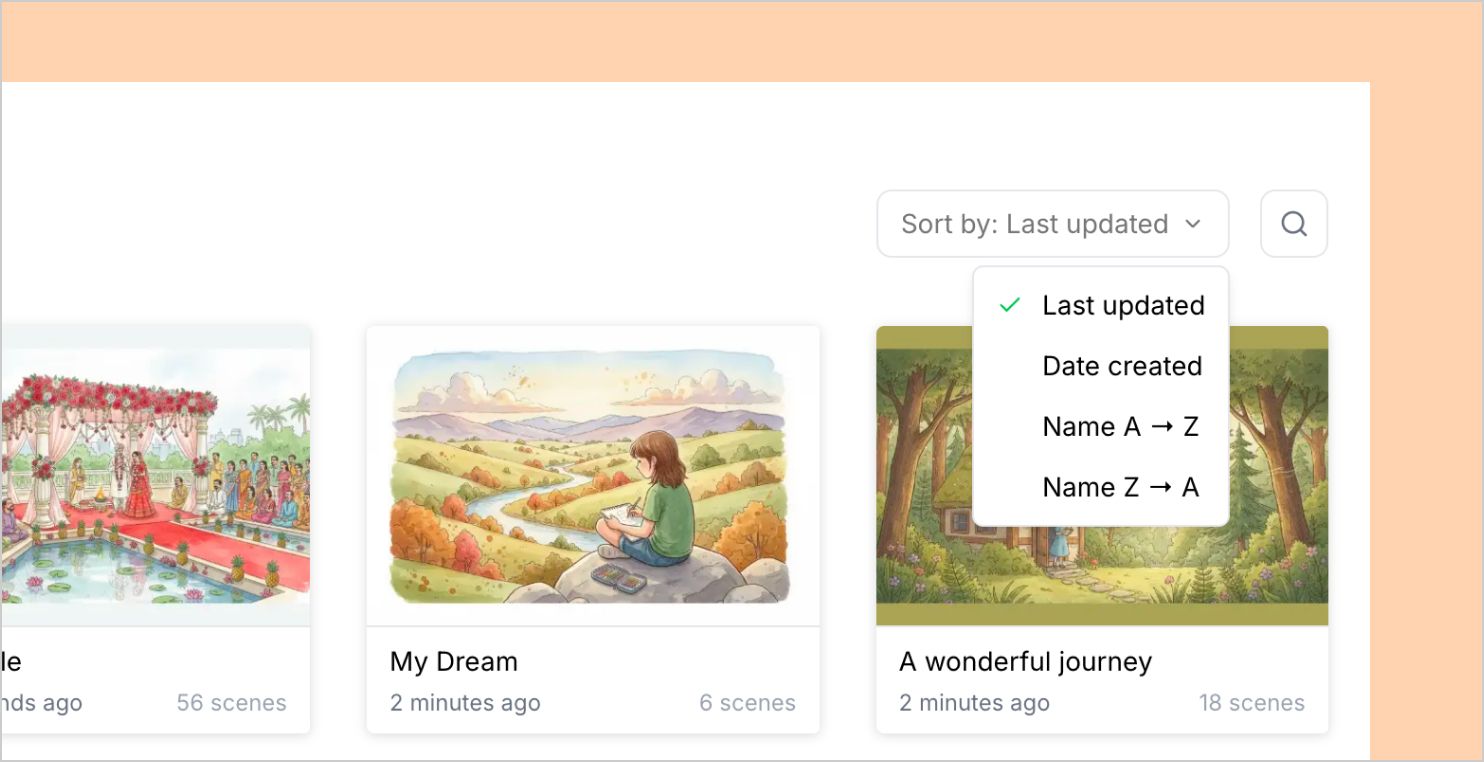
Easily find the project you’re looking for with built-in search and sorting tools. Use the search icon to quickly locate projects by name, and sort your workspace by Last updated, Date created, or alphabetically (A–Z / Z–A) to stay organized. Whether you’re managing a few projects or many, these tools help you navigate your work faster and pick up right where you left off.
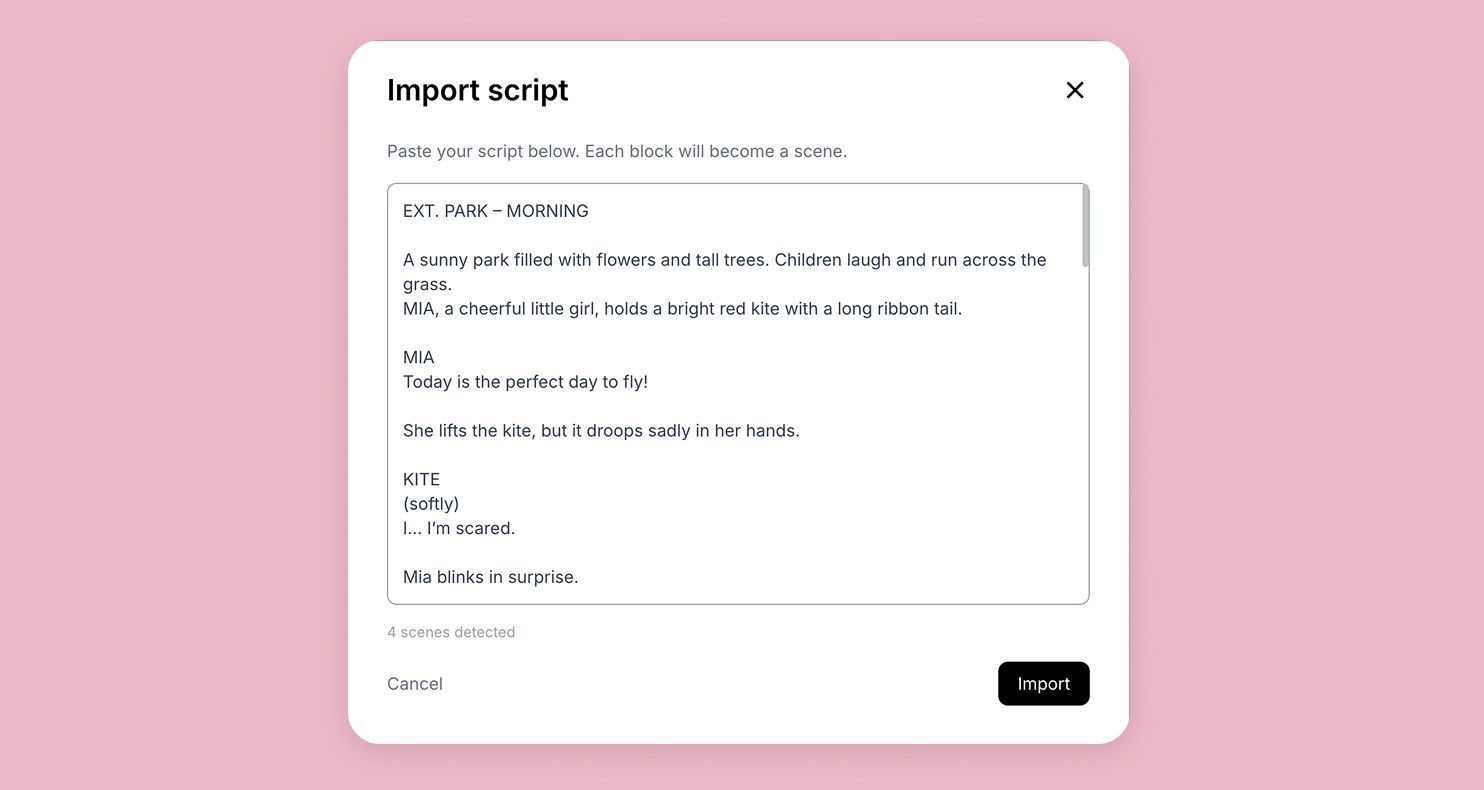
Paste your script and StoryTribe will automatically break it into scenes by detecting headings, dialogue, and action lines. If you don’t have a script yet, simply describe your idea and use AI to generate up to 30 ready-to-edit scenes. AI writing is also available directly inside the editor, so you can generate ideas, rewrite text, and expand scenes while you work. It’s a fast way to go from rough concept to structured storyboard without starting from scratch.
If you notice anything not working as expected, please report it to support@storytribe.com. Including a screenshot or short video recording helps us resolve issues faster.
You can also get help directly in the app by clicking the Help button (question mark icon) at the bottom of the screen, then selecting Help → Contact support to speak with one of our support team.
-> Start with our free storyboard maker
Here are a few updates we’ve shipped last week.
StoryTribe
StoryTribe Team
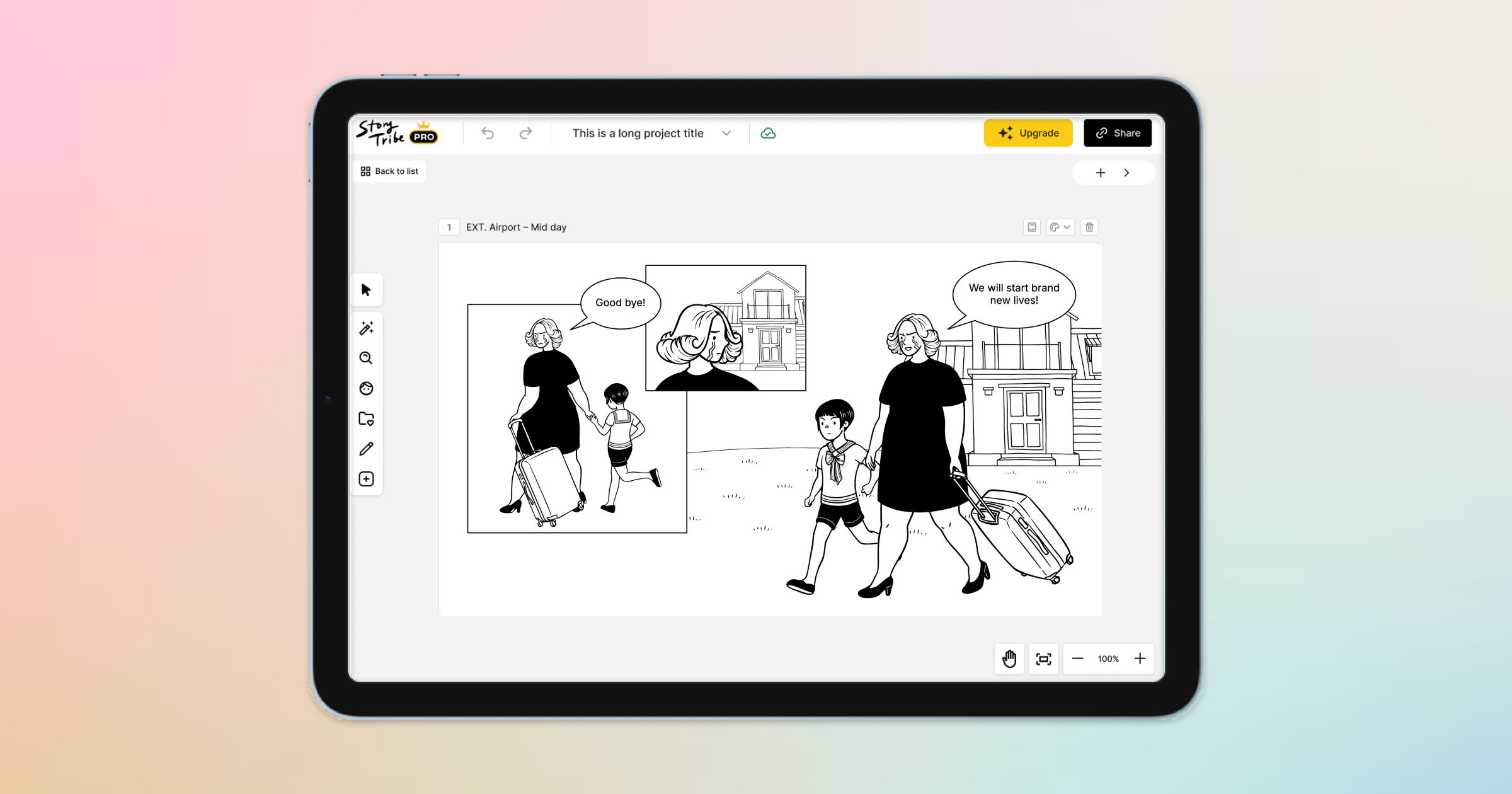
Here are a few exciting updates we’re working on to make your storytelling even better.
StoryTribe
StoryTribe Team

Here are a few updates we’ve shipped this month.
StoryTribe
StoryTribe Team